Plan Your Fixture Project With Better Inputs.
Use practical guides, comparison tools and project checklists to define your store layout, display requirements, quotation scope and delivery responsibilities.

Use practical guides, comparison tools and project checklists to define your store layout, display requirements, quotation scope and delivery responsibilities.
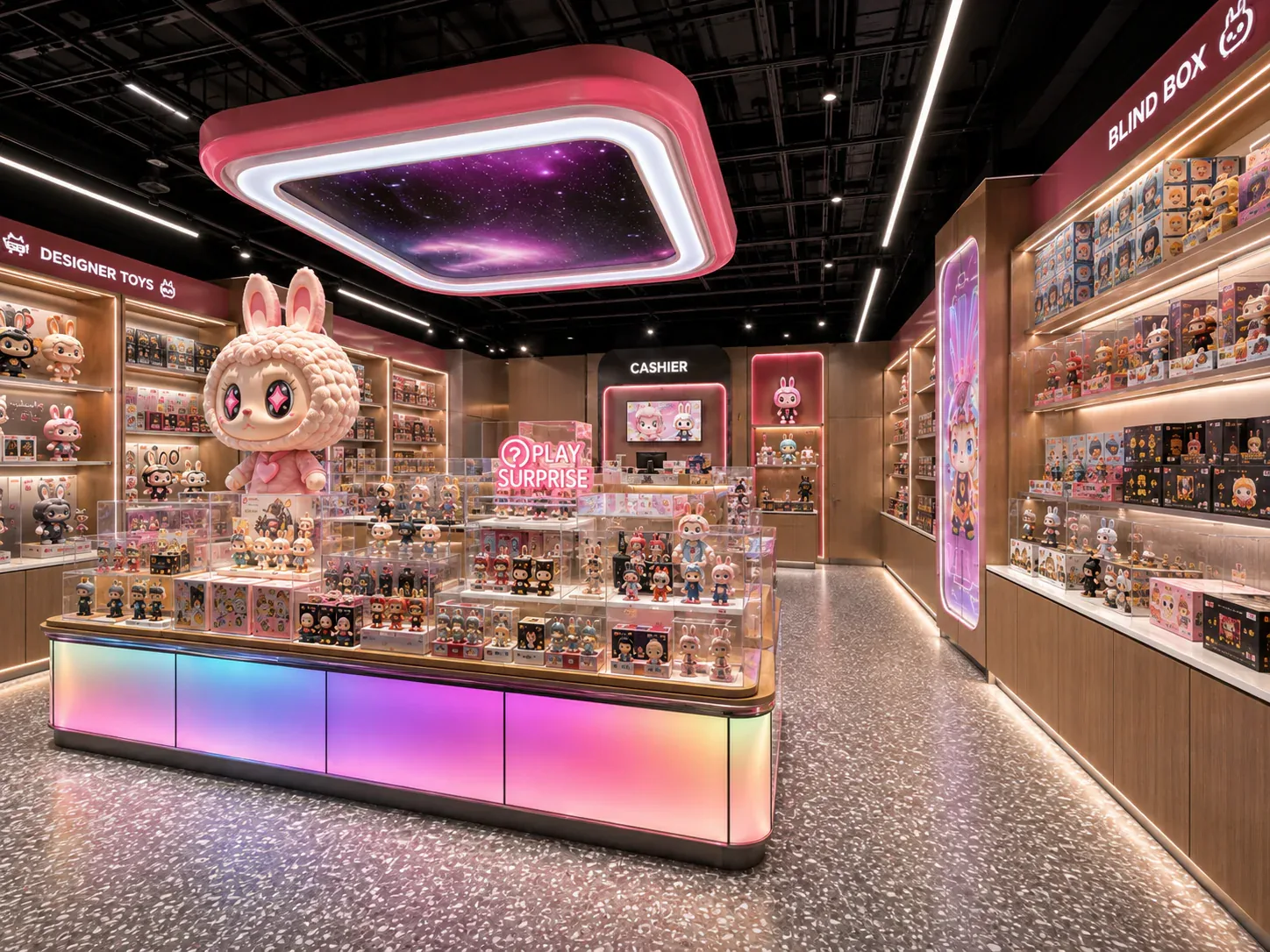


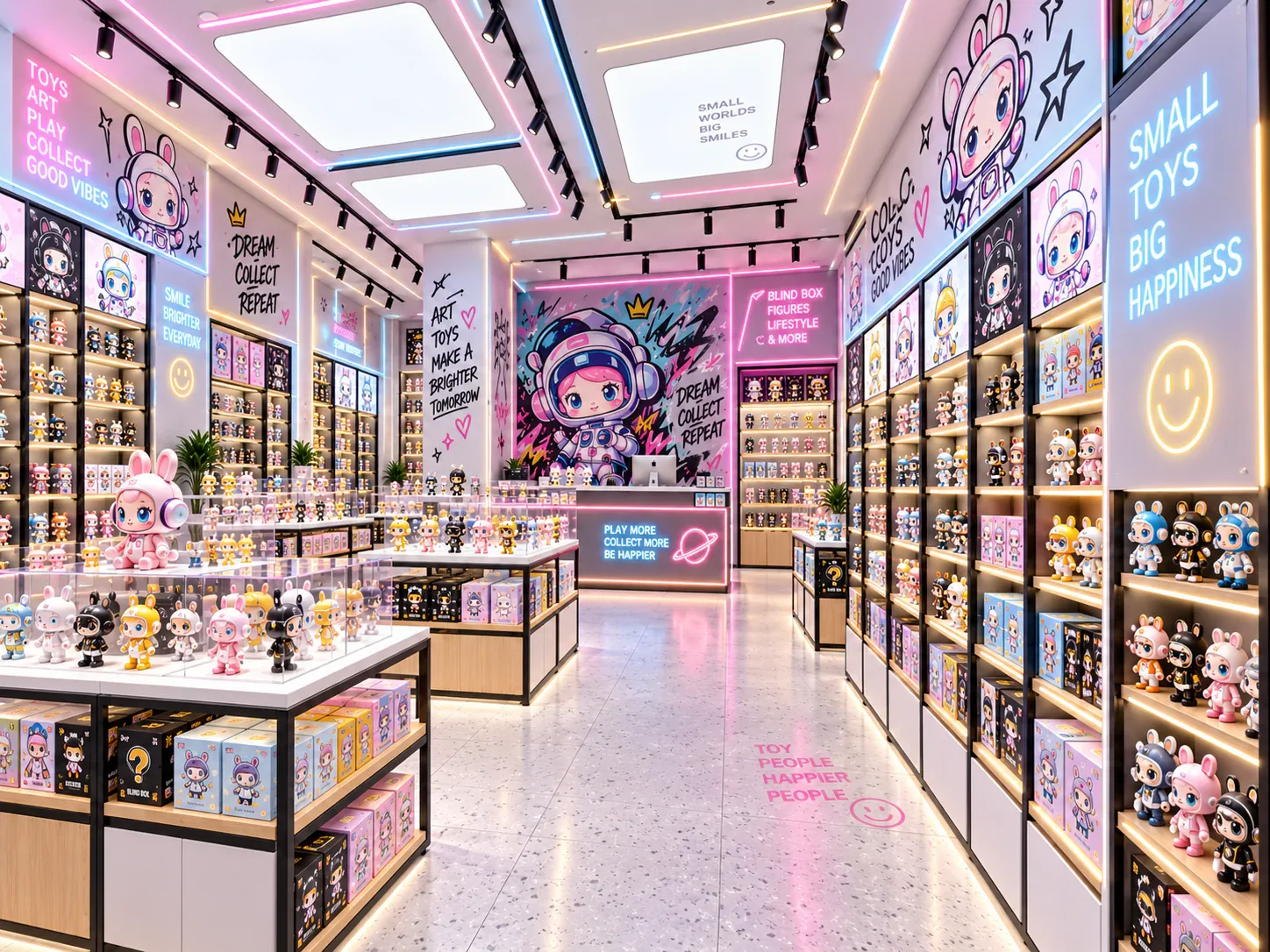
Resources are organized around decisions buyers need to complete—not around an editorial publishing calendar.
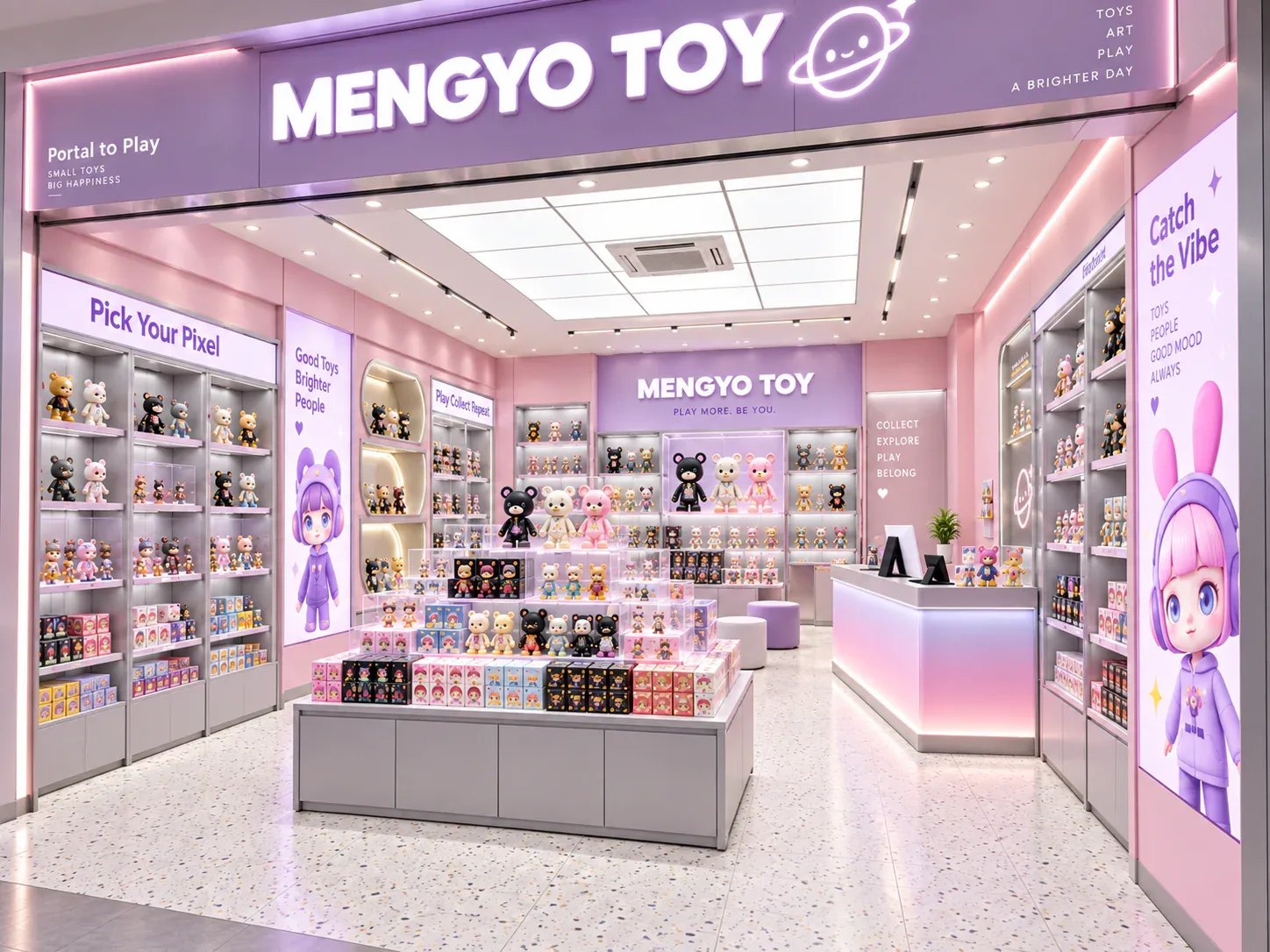
Build a comparable project brief covering the site, merchandise, fixture schedule, approvals, delivery boundary and unknown items.
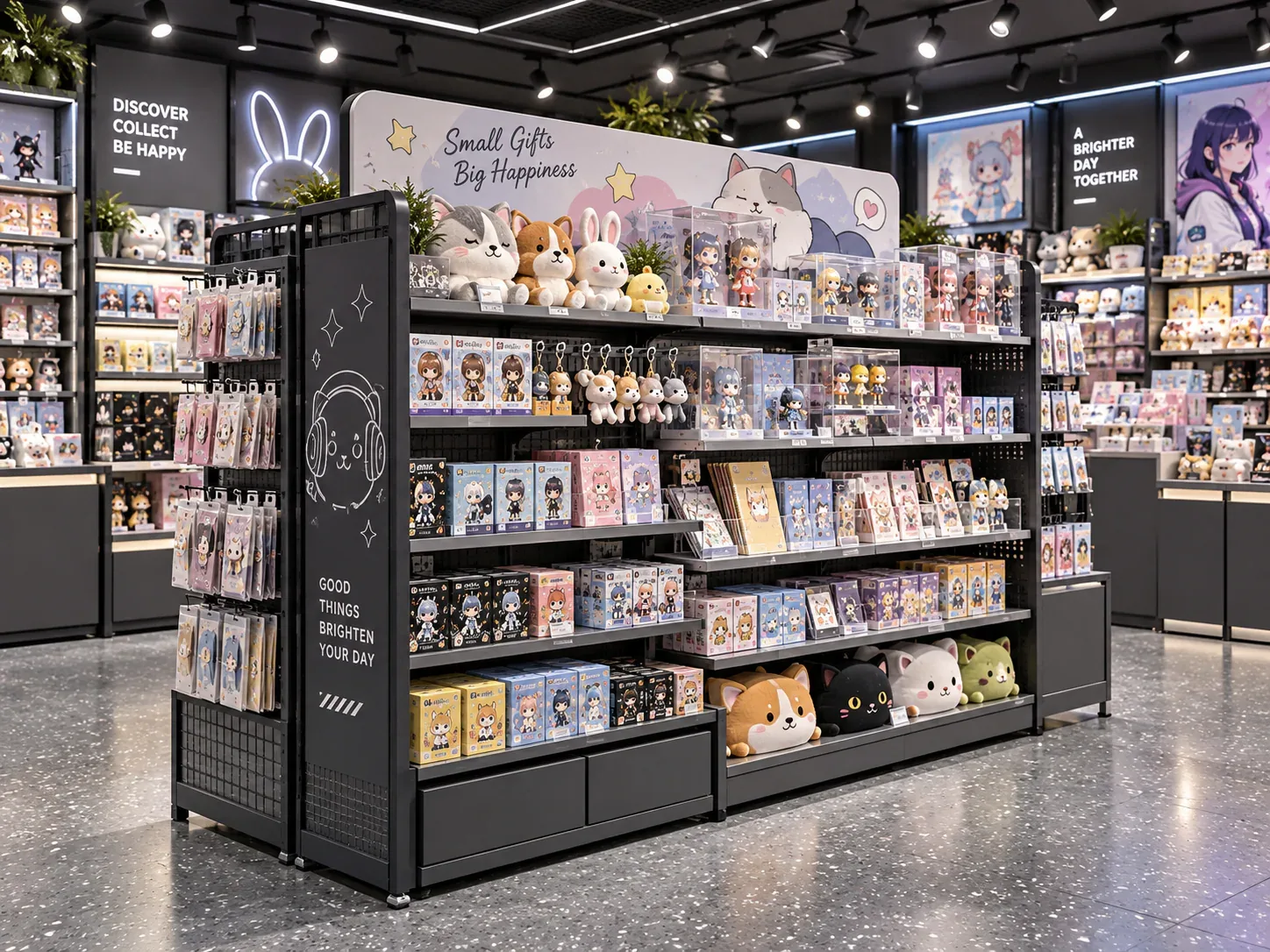
Start with the product-size matrix, fixture zoning, replenishment route and queue conditions before choosing fixture shapes.
Every checklist remains readable as semantic HTML. Six versioned BENSON PDFs are also available for procurement teams and project meetings.
Start with these planning questions, or open the complete buyer FAQ for supplier verification, specifications, quality, delivery and after-sales.
Browse all 30 buyer FAQs →MOQ is confirmed by project and fixture type. The current website does not publish an unverified piece quantity. The quotation will state the minimum order, quantities and any volume-price tiers in HTML and in the signed commercial document.
Prepare an RFQ →The named FOB port has not yet been confirmed for public use. Every quotation must state the exact Incoterm and named port before the buyer compares freight responsibilities.
Review delivery responsibilities →BENSON can plan 2D layouts and 3D concept work as part of the agreed project process. Deliverables, revision rounds, ownership and production-release requirements must be recorded in the proposal.
Prepare store planning inputs →Prototype or sample requirements depend on project risk, repeat quantity, new mechanisms, finishes, lighting and the buyer's approval process. The quotation must state what is sampled and whether sample cost is credited.
Open the prototype checklist →The quotation must define the trigger explicitly—normally after the stated commercial payment milestone and final sample or drawing approval. The website does not treat inquiry date as the production start date.
Review production controls →Expedited production is reviewed separately against engineering status, material availability, production capacity, inspection and freight deadlines. It is not automatically guaranteed.
Prepare the fixture schedule →The packing plan may include knock-down construction, protective wrapping, glass protection, hardware kits, labels and packing lists. Exact packaging depends on the fixture and agreed delivery route.
Open the packing responsibility matrix →Yes, a rollout can use repeatable modules and store-specific adaptations. The approved standard, allowable variations, BOM, drawing control and batch inspection must be defined first.
Compare modular systems →Installation support is scoped by project. It may include labeled packing, assembly drawings, remote coordination or agreed on-site support. Local construction and permitting responsibilities must be written into the contract.
Review global delivery support →Confidential drawings should use the private upload workflow after it is activated. Contract-specific confidentiality, access and retention requirements can be agreed before detailed files are shared.
Start a confidential-file discussion →Use the online checklists to organize site, product and fixture inputs before choosing a final configuration.
Prepare Your Project BriefStart an initial scope review with the product and delivery information already available. Secure file upload remains disabled until private storage and scanning are active.
Start a Project Review