Displaying Complete Blind Box Series Without Confusing Buyers
A display showing every design in a blind-box series should help customers understand the range without suggesting that every sealed box contains a chosen character.
- Published
- 2026-09-08
- Updated
- 2026-09-08
- Reading time
- 8 minutes
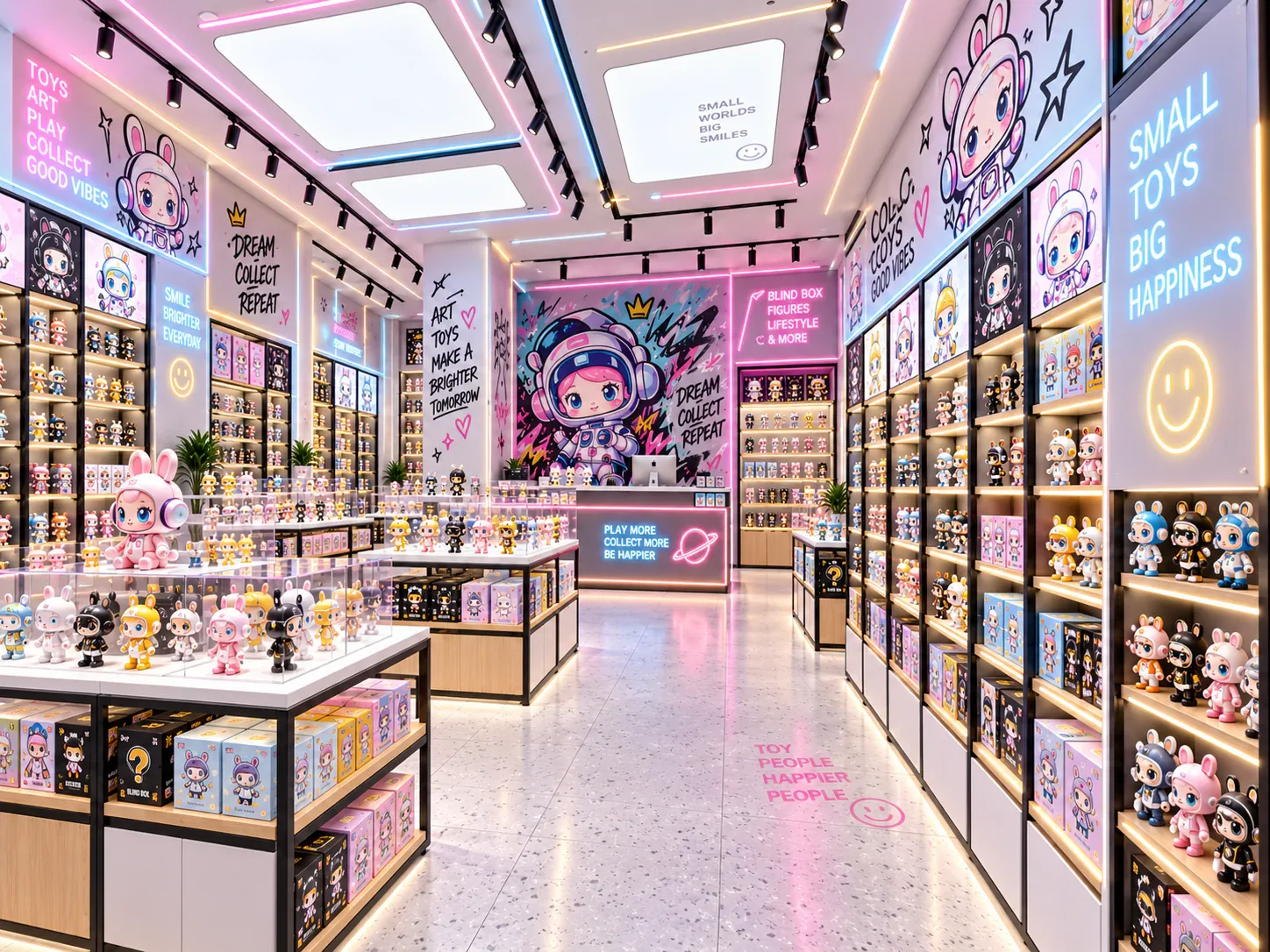
A display showing every design in a blind-box series should help customers understand the range without suggesting that every sealed box contains a chosen character. The presentation needs to distinguish the series overview, opened samples and the stock available for purchase.
Three decisions to carry into your project.
- 01
Separate the overview from the purchase unit
- 02
Identify the sample status visibly
- 03
Use verified series information
Start with the decision
A display showing every design in a blind-box series should help customers understand the range without suggesting that every sealed box contains a chosen character. The presentation needs to distinguish the series overview, opened samples and the stock available for purchase. Clear relationships among those elements matter more than arranging an attractive row of figures alone.
Build a series-display information map before selecting the fixture details. Identify what is being shown, what is being sold and which statements are supported by the actual product information. This guide concerns display clarity; it does not define the contents, probabilities or commercial terms of any manufacturer's blind-box product.
Separate the overview from the purchase unit
The overview explains the designs associated with a series. The purchase unit is the specific product the customer buys, which may be a sealed individual box or another format described by the manufacturer and retailer. The fixture should not blur those two roles.
Record the actual sales format in the merchandising brief. If more than one format is offered, identify each separately and use verified product information to explain it. Do not assume that a full display of samples means a customer can select the corresponding contents from sealed stock.
Keep any claims about complete sets, duplicates or special designs tied to the applicable product information. A display arrangement cannot establish those terms. If the source is unclear, resolve the information before using a graphic that could imply a guarantee.
Identify the sample status visibly
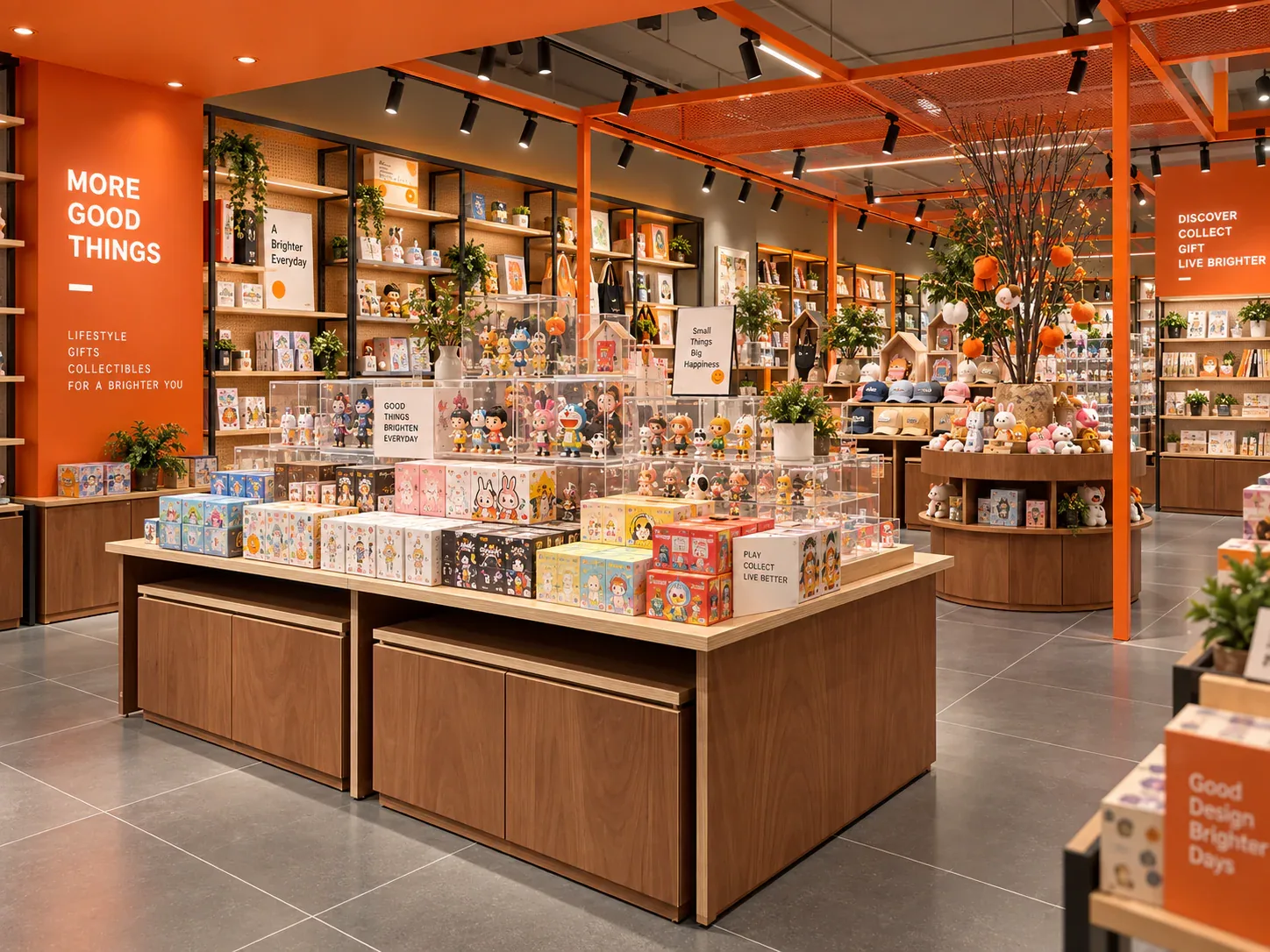
Opened figures may be samples used to show the range. Make their role understandable so visitors do not confuse them with the sealed stock they will receive. The appropriate label and layout should reflect the store's actual sales method.
If some displayed pieces are sold individually, distinguish that offer from the sealed blind-box products. The customer should not have to infer the difference from a small price label or from whether a figure happens to be behind glass. The service and product information should explain the purchase clearly.
Keep sample identification consistent when the display changes. A missing or moved label can alter the meaning of a presentation even though the products remain in the same cabinet. Assign responsibility for updating the information as part of the series-change routine.
Use verified series information
Obtain the current product information from the relevant manufacturer or authorised source used by the business. Record the series name and the version or release information needed to distinguish it from similar ranges. Do not build the display from an unverified fan image or an old listing without checking applicability.
Use character names, images and other product information only within the rights and permissions available to the retailer. The fixture brief should identify who provides the approved graphic material. The display supplier should not be expected to invent product artwork or confirm licensing from an unlabeled reference image.
Where the product includes special or undisclosed variations, follow the verified information for that product rather than creating a display promise. The physical presence of a sample does not demonstrate its availability in current stock or the likelihood of receiving it.
Decide how much of the series is physically shown
The store may show a complete sample range, a representative selection or a graphic overview with fewer physical pieces. Each approach can be valid if the presentation explains what it represents. The buyer should choose based on available samples, fixture space and the intended information task.
If the sample range is incomplete, do not describe the physical display as complete without qualification. A graphic can show the wider range where the retailer has suitable material, while the sample labels identify the pieces actually present. The customer should understand the difference without needing a staff correction.
Keep the presentation useful when a sample is temporarily removed for maintenance or another reason. The merchandising plan should describe how the overview remains accurate and who updates the visible information. An incomplete physical row should not silently change the apparent contents of the series.
Connect samples to the correct sealed stock
Position or label the sealed stock so the relationship to the sample series is clear. Similar packaging and neighbouring releases can make an ambiguous association easy to create. Use the actual series identifiers and a consistent physical arrangement.
Avoid allowing reserve stock from another series to occupy the display's sale area temporarily without updating the information. Staff may understand the difference, but the visitor sees only the presentation in front of them. The operating plan should preserve the relationship during replenishment.
If stock is supplied by staff, explain the request method at the sample display. The customer needs to know where to ask and what identifier to use. A visually complete overview becomes more useful when it connects to a clear purchase process.
Build a series-display information map
The table below separates the elements that should be reviewed together. Use the actual product information and store sales format in the working version.
See the decision table below for the working record.
Add a review owner for graphics and a separate owner for physical stock accuracy if different people handle those tasks. The display remains clear only when the information and merchandise are updated together.
Compare a full sample row with a layered overview
A full sample row can show the physical range directly, but it requires the actual samples and sufficient usable presentation space. The fixture must also provide a clear relationship to labels and sale stock. Simply adding more figures can make information harder to associate if the arrangement is crowded.
A layered overview can combine a graphic explanation with selected physical examples and a distinct sale-stock area. It may use fewer samples, but the graphic must accurately explain what is and is not physically shown. The buyer should review the complete presentation rather than comparing sample count alone.
Use representative products and actual labels when testing both options. Ask reviewers to explain what they believe they can buy and what they expect to receive. Their answers can reveal ambiguous associations that the merchandising team no longer notices because it already knows the product.
Review a mixed-series confusion scenario
Consider a hypothetical toy store displaying opened samples from one series above sealed boxes from two neighbouring releases. The samples look visually coherent, but the stock below is arranged mainly by available space. A visitor could reasonably be uncertain about which boxes correspond to the displayed figures.
The team creates an information map and identifies the intended relationship for each display area. The series overview is linked to the correct sample group, and the sale-stock locations receive clear identifiers. Stock from the second release is given its own presentation rather than borrowing the first series' visual context.
The owner tests the revised display with someone unfamiliar with the range. The reviewer is asked what the samples represent, which product is for sale and where they would request help. The team records misunderstandings and adjusts the information before treating the arrangement as ready.
This illustrative example does not define the contents of a real blind-box series. It shows how a display can become clearer when the relationship among samples, overview graphics and sale stock is explicit.
Maintain clarity when the series changes
Review the purchase unit shown by the price information. If the store offers an individual sealed box and a larger packaged format, the display should make clear which price belongs to which offer. The physical grouping of several samples should not be allowed to imply that one displayed price buys the entire visible range. Use the retailer's actual verified product and pricing information, and have the responsible person check the association before the display is used.
The same check applies when a campaign changes only part of the offer. A new price card can remain visually close to an old stock position, or a sample overview can be moved without its purchase explanation. Include these relationships in the changeover review rather than checking only that the series name is correct. Asking a reviewer to describe the exact item they believe they are purchasing can expose the ambiguity more clearly than asking whether the display looks tidy.
Create a changeover sequence that replaces graphics, labels, samples and sale stock as one coordinated task. A partial update can leave old imagery describing new boxes or new samples sitting above old stock. Staff should know how to identify that mismatch before the area returns to normal use.
Retain the product references used for the display so questions can be checked against the applicable source. If the retailer changes the sales format, review the customer-facing explanation as well as the physical stock position.
For blind-box display cabinets, include the information map with the fixture brief. It helps the supplier provide suitable places for samples, graphics and stock while keeping product promises grounded in the retailer's verified information.
Compare one controlled basis.
How we apply this decision.
Review the purchase unit shown by the price information. If the store offers an individual sealed box and a larger packaged format, the display should make clear which price belongs to which offer. The physical grouping of several samples should not be allowed to imply that one displayed price buys the entire visible range. Use the retailer's actual verified product and pricing information, and have the responsible person check the association before the display is used.
Review BENSON capabilities →What still needs project confirmation.
Use the actual site, merchandise and supplier information to confirm the project-specific arrangement. Illustrative examples do not establish technical suitability.
Prepare the required inputs →Avoid these shortcuts.
- Treating a reference image as an approved production specification.
- Comparing suppliers without identical dimensions, quantities and delivery scope.
- Separating material, lighting or hardware decisions from the drawing revision.
- Leaving packing, local installation and site interfaces undefined.
Before the next approval.
- Separate the overview from the purchase unit
- Identify the sample status visibly
- Use verified series information
- Record each open point, owner, due date and required evidence.
Trace the supporting information.
Content review policyUpdated 2026-09-08. AI-assisted buyer guidance; no independent technical review is claimed.
Move from research to a project decision.
Keep building the specification.

Calculating Blind Box Shelf Capacity from Real Packaging Sizes
Blind-box shelf capacity should be calculated from the usable shelf space and the packages that will actually occupy it. Outside cabinet dimensions, catalogue photographs and a general label such as “small box” are not enough.
Read next →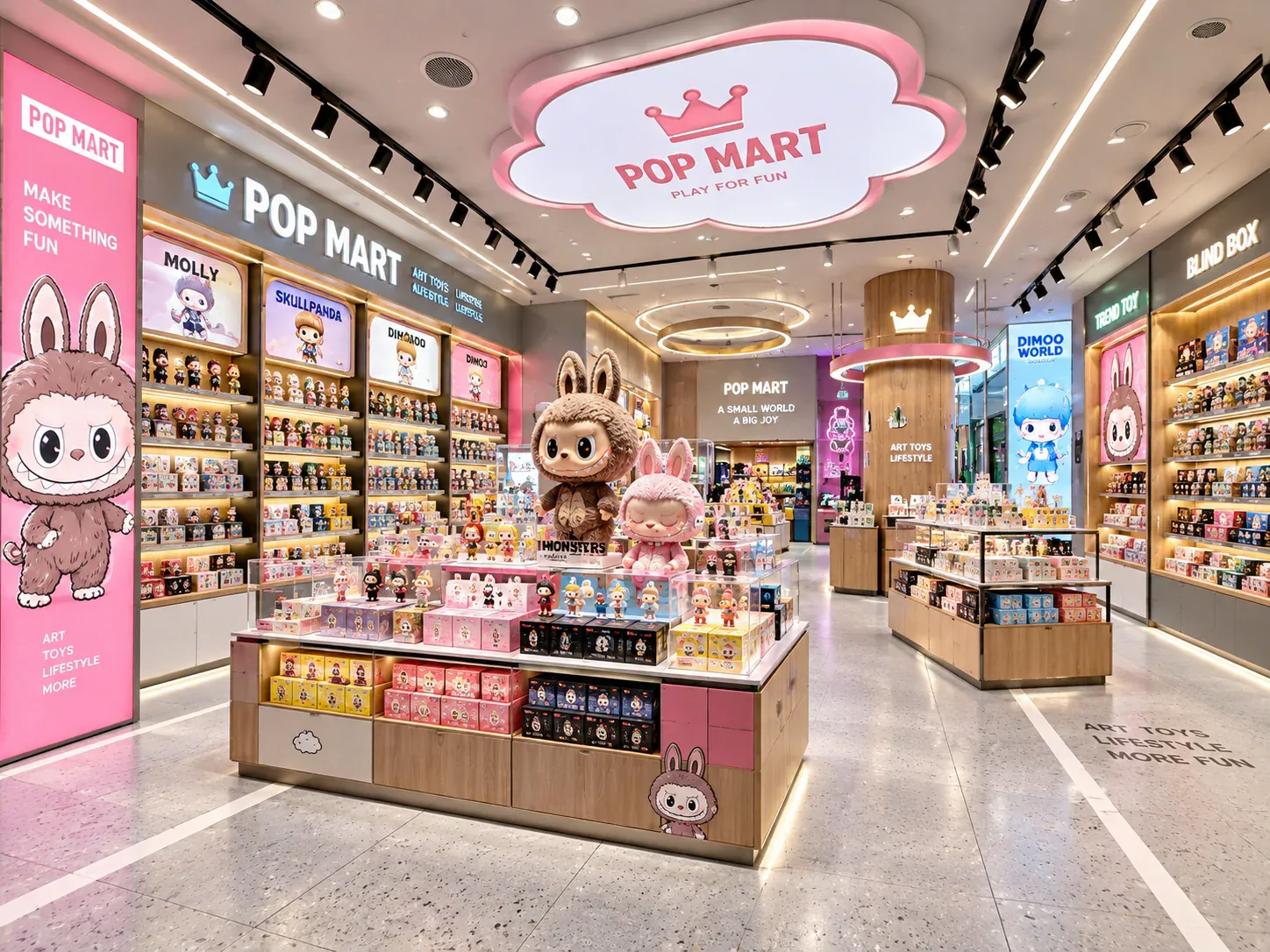
Planning Shelf Pitch for Blind Box Packaging Changes
Shelf pitch should be planned around the range of packages the store expects to display, not only the box used for the first rendering. A later release may be taller or require a different presentation, and a cabinet that appears flexible may still have limits imposed by its adjustment positions, supports or other components.
Read next →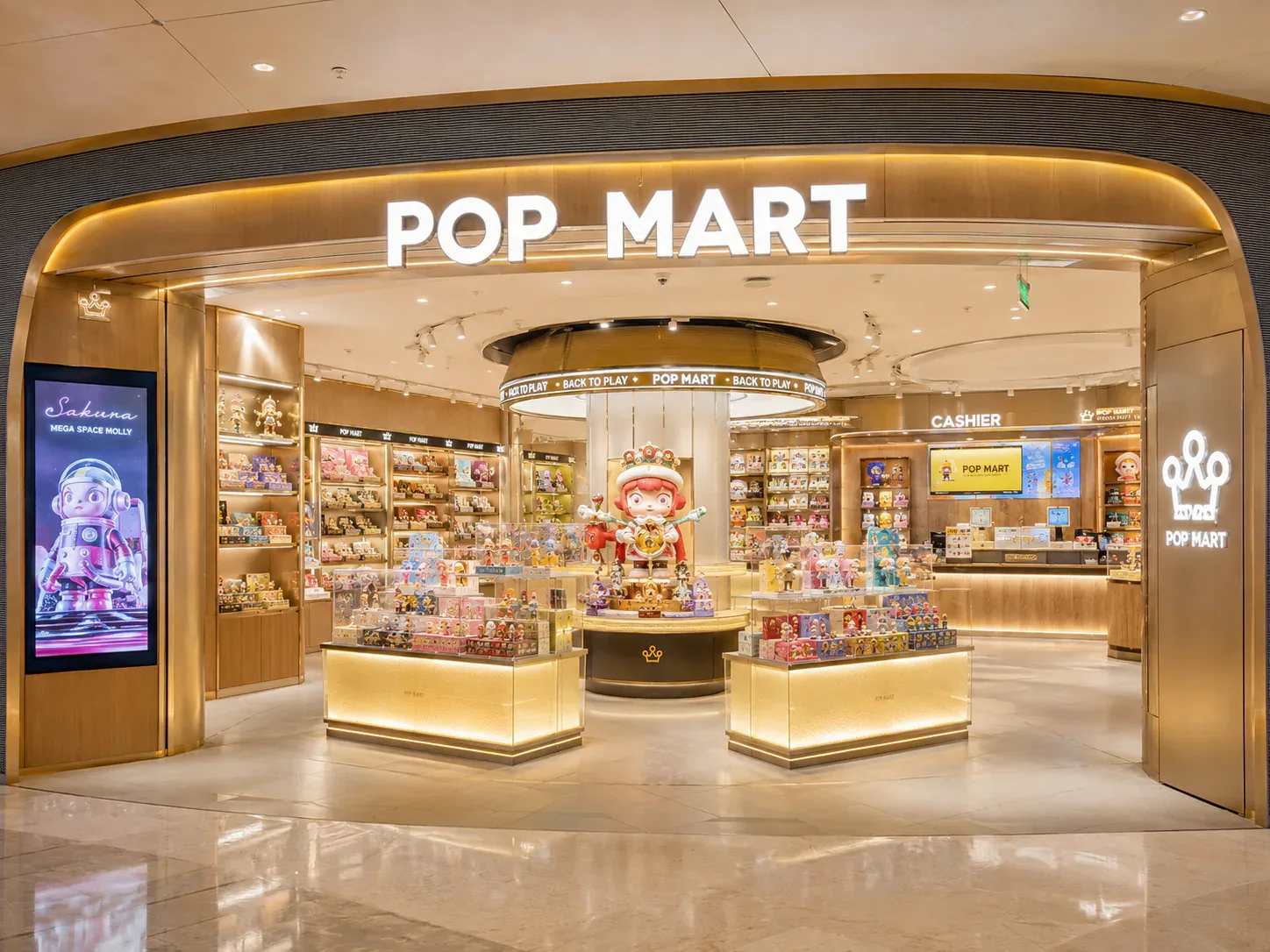
Designing a Blind Box Launch Zone for Limited Releases
A blind-box launch zone should explain the release, present the correct merchandise and support the store's actual purchase process. It may need to work differently from everyday browsing, particularly when customers arrive with a specific product in mind.
Read next →Get a project-specific recommendation.
Send your store plan, product sizes, fixture quantities, destination and opening target. BENSON will identify the product fit, engineering inputs and quotation basis.
Start Your Display Project