Designing a Blind Box Launch Zone for Limited Releases
A blind-box launch zone should explain the release, present the correct merchandise and support the store's actual purchase process.
- Published
- 2026-09-08
- Updated
- 2026-09-08
- Reading time
- 8 minutes
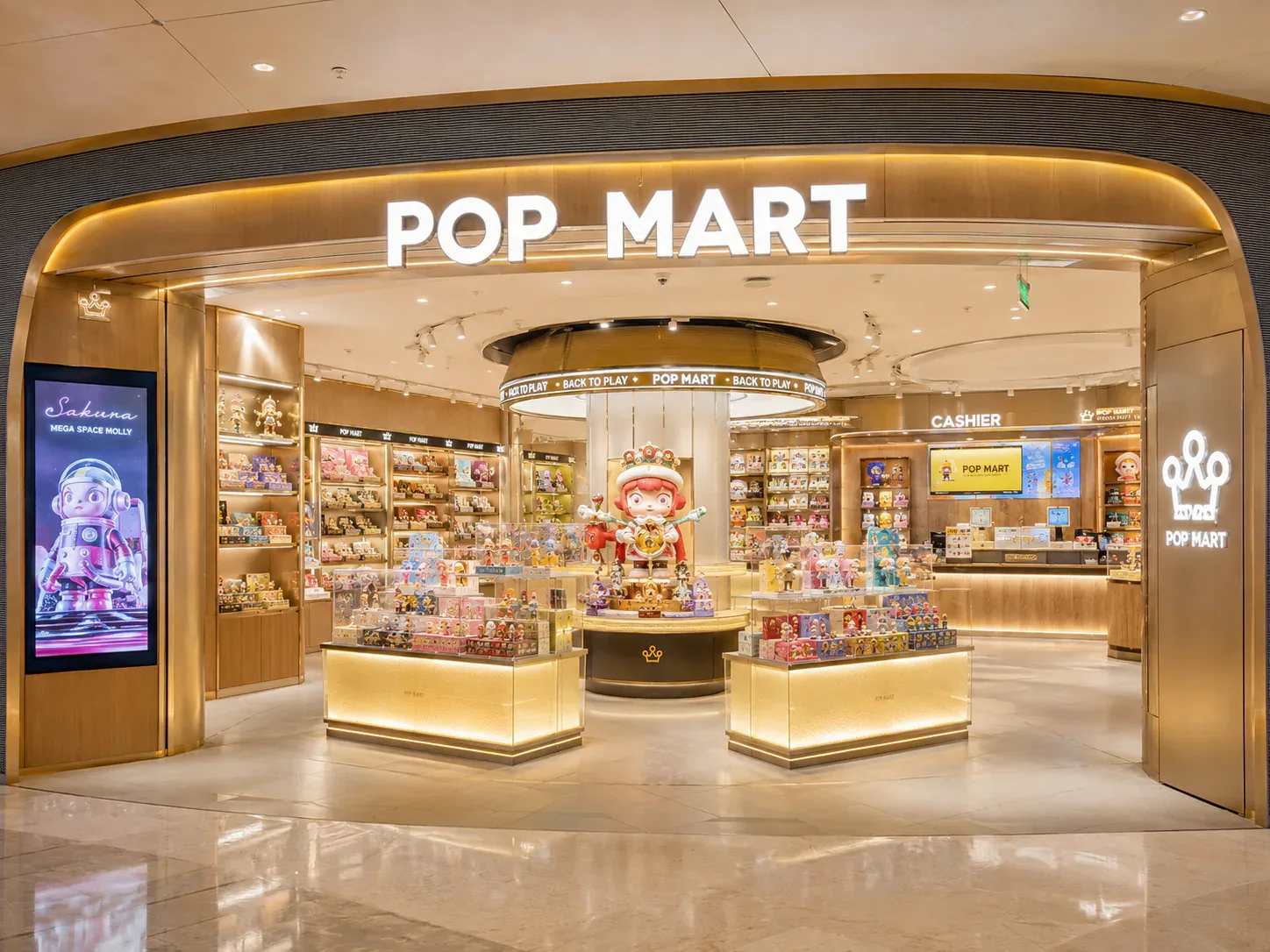
A blind-box launch zone should explain the release, present the correct merchandise and support the store's actual purchase process. It may need to work differently from everyday browsing, particularly when customers arrive with a specific product in mind.
Three decisions to carry into your project.
- 01
Describe the release accurately
- 02
Choose the purchase method first
- 03
Separate feature, selection and service tasks
Start with the decision
A blind-box launch zone should explain the release, present the correct merchandise and support the store's actual purchase process. It may need to work differently from everyday browsing, particularly when customers arrive with a specific product in mind. Define the launch operation before adding graphics, extra stock or a new display unit to the floor plan.
Prepare a launch-state brief that connects the feature display, sale-stock location, customer information and staff tasks. Compare it with the everyday layout and identify what changes. The brief does not predict attendance or establish crowd capacity; the responsible team must assess the applicable safety, access and building requirements for the actual event and location.
Describe the release accurately
Use verified product and availability information supplied through the business's approved process. The display should identify the relevant series and purchase format without inventing scarcity, guarantees or product contents. A limited-release message should reflect the actual offer rather than a decorative marketing assumption.
Separate the launch announcement from detailed purchase information. Customers may need to know what is available, where selection occurs and how staff assistance works. Decide which information belongs on the feature and which belongs at the relevant service point.
Assign an owner for updating the information when availability changes. The launch zone should not continue to communicate an offer that no longer matches the stock or sales process. This is an operating task to plan before opening the presentation to customers.
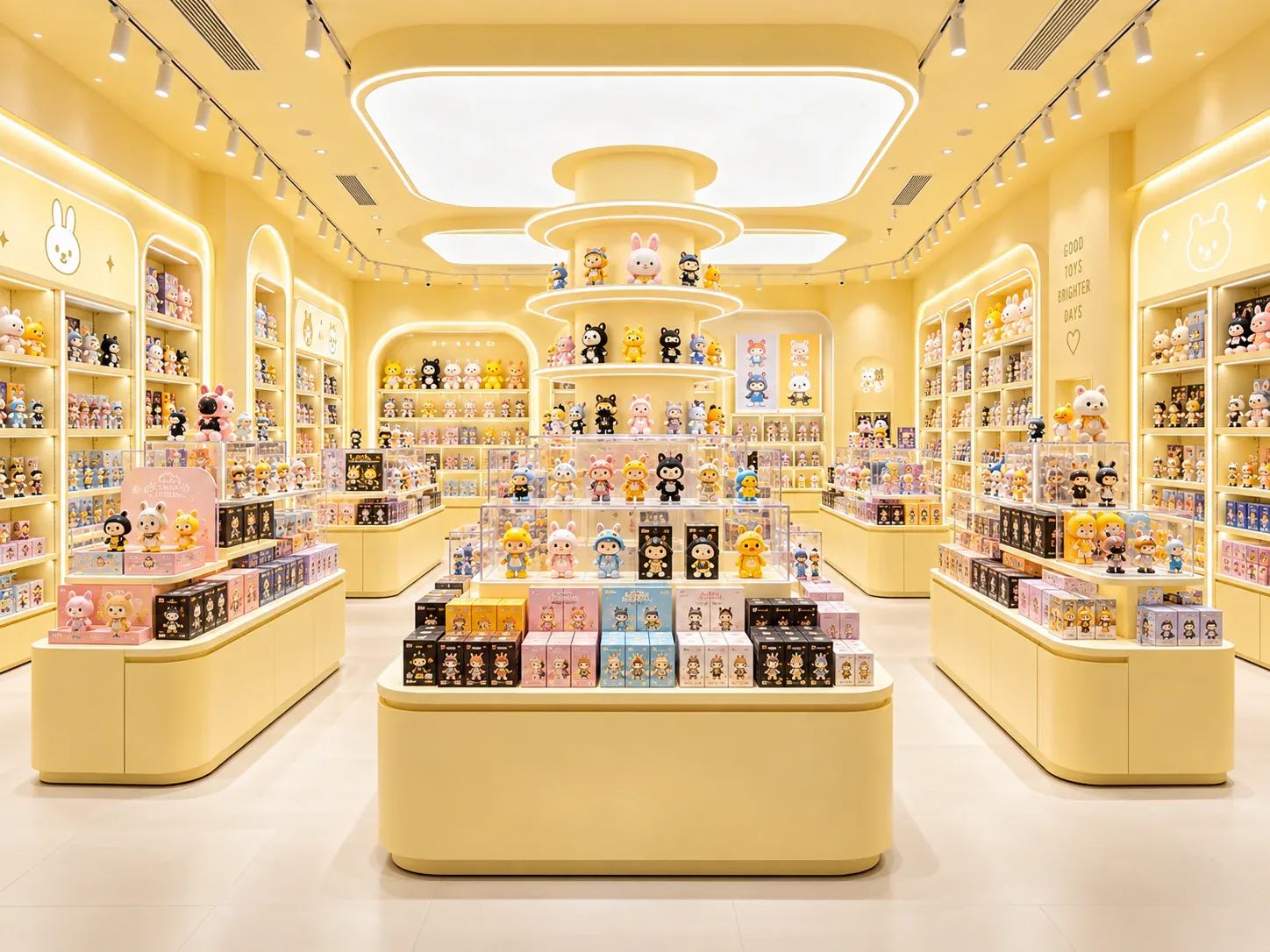
Choose the purchase method first
Identify whether customers select sealed boxes directly, request stock from staff or use another confirmed sales process. Each method creates a different relationship among display, stock and service. The fixture plan should represent the actual operation rather than mixing several methods without explanation.
If a sample overview is shown, distinguish it from sale stock and explain how the customer obtains the product. The presence of opened figures should not imply that sealed-box contents can be selected unless that is genuinely the product offer being sold.
Keep any purchase limits or reservation arrangements tied to the retailer's actual policy and product information. The display supplier can provide places for communication, but it should not invent the commercial rules or imply that one launch process applies to every retailer.
Separate feature, selection and service tasks
The feature attracts attention to the release. Selection is the activity of choosing or requesting the sale unit. Service completes any assistance, allocation or purchase step required by the store's process. These tasks may share a fixture, but the team should decide deliberately how they interact.
Mark where customers pause to read or inspect the display and where they carry out the purchase-related action. A visually strong feature may invite a different stopping pattern from the one assumed in the plan. Review the complete presentation with representative products and graphics.
Include staff positions and stock access. If staff supply boxes, the arrangement needs a clear route from the stock source to the customer. If customers select directly, staff still need a workable replenishment method. The launch zone should not rely on an undefined carton pile beside the display.
Compare the launch state with ordinary trading
Draw the normal arrangement and the proposed launch arrangement side by side. Identify fixtures, graphics and stock positions that change. The comparison should show whether everyday categories or service routes remain usable under the launch plan.
Do not treat temporary equipment as exempt from review. A small sign, barrier or additional display can change the operating space. The responsible participants should assess the complete state, including the additions expected during the release.
Record how the store returns to ordinary trading. The removal or relocation sequence may require storage for graphics and components, as well as a stock reconciliation. A launch design is incomplete if it explains setup but leaves the reset to improvisation.
Define the stock relationship
Separate the quantity displayed from the reserve quantity held for replenishment or staff supply. Use the retailer's actual stock information and assumptions. Physical fixture capacity does not establish how much product will be available or how quickly it will sell.
Identify how staff recognise the correct release among other stock. Similar packaging or concurrent series can create an ambiguous relationship if reserve boxes are stored informally. The launch brief should connect product identifiers to the display and supply locations.
Plan how the presentation changes as stock reduces. The team may need to update information, remove an empty selection area or change the service message under its actual process. Define the responsibility without prescribing a sales policy that the business has not chosen.
Use a launch-state coordination table
The following table organises the design and operating questions. Populate it with the actual release information and confirmed site arrangements.
See the decision table below for the working record.
Add an owner and response point for each unresolved item. A graphic may be ready while the purchase method or site arrangement is still open. The table should preserve those separate states instead of labelling the whole launch zone approved because one part looks finished.
Compare a dedicated launch fixture with a converted everyday zone
A dedicated fixture can give the release a distinct presentation, but it needs a defined location, storage plan and relationship to ordinary trading. The owner should understand what happens to it between launches and whether the store can maintain the proposed arrangement.
Converting an everyday zone can reuse existing fixtures, but it displaces or changes their normal merchandise task. Identify where the affected products go and how the category remains understandable. Reuse is not automatically simpler if it creates a complicated setup and reset sequence.
Compare both using the same release format and operating assumptions. A dedicated feature shown with complete graphics should not be judged against a bare everyday shelf. The buyer needs equivalent evidence of how each option communicates and supports the purchase process.
Rehearse the information and stock handover
Use a representative scenario to review what a customer sees and what staff do. Ask a reviewer unfamiliar with the arrangement to explain where they would go and what they believe they can purchase. This can reveal unclear associations between samples, stock and service information.
Have staff demonstrate replenishment or stock supply using the proposed locations. Record the route and the information needed to identify the correct product. The exercise should not be presented as proof that the layout can handle an unknown attendance level.
If the rehearsal reveals a question outside the fixture design, assign it to the relevant operating or specialist participant. A fixture supplier can respond to a defined interface, but cannot resolve an unspecified event-management process through cabinet dimensions alone.
Review a temporary series launch
Consider a hypothetical toy store introducing a limited series while continuing to sell its ordinary assortment. The owner initially proposes an extra island near the entrance, with samples above direct-selection stock. The first plan does not show reserve stock or the route to checkout.
The launch-state brief identifies the actual purchase method and approved product information. The designer compares the extra island with converting an existing feature zone. Staff demonstrate replenishment, and the team reviews how each arrangement connects to ordinary browsing and service.
The owner also records where displaced everyday merchandise would move and where temporary graphics would be stored after the launch. The selected option is reviewed through the relevant site process, with any attendance and safety questions assigned to the responsible participants.
This illustrative example makes no claim about sales volume, launch attendance or a universal crowd arrangement. It shows how the feature becomes a complete operating proposal when information, stock and reset tasks are considered alongside its appearance.
Keep the launch brief with the fixture record
Review changes to the launch message as carefully as changes to the stock position. A graphic announcing one purchase method can remain in place after staff have switched to another arrangement, leaving customers to discover the difference only at the service point. Assign a named owner to update the relevant messages together and record where each one is displayed.
Keep the information factual when availability changes. The display should communicate the current offer and next action using the retailer's confirmed information, rather than implying continuing availability or inventing urgency. A clear update process helps the physical launch zone remain aligned with the actual operation throughout the release, including the period when some products or purchase formats are no longer offered.
After the release, record practical observations about setup, information clarity, replenishment and reset. Distinguish routine operating issues from exceptional events. Use the findings to improve the next launch without assuming every release will have the same product format or customer pattern.
For blind-box display cabinets, share the launch-state brief before selecting a dedicated feature or modifying an existing zone. It helps the supplier design around the actual purchase task and gives the operating team a clear account of the temporary arrangement it must manage.
Compare one controlled basis.
How we apply this decision.
Review changes to the launch message as carefully as changes to the stock position. A graphic announcing one purchase method can remain in place after staff have switched to another arrangement, leaving customers to discover the difference only at the service point. Assign a named owner to update the relevant messages together and record where each one is displayed.
Review BENSON capabilities →What still needs project confirmation.
Use the actual site, merchandise and supplier information to confirm the project-specific arrangement. Illustrative examples do not establish technical suitability.
Prepare the required inputs →Avoid these shortcuts.
- Treating a reference image as an approved production specification.
- Comparing suppliers without identical dimensions, quantities and delivery scope.
- Separating material, lighting or hardware decisions from the drawing revision.
- Leaving packing, local installation and site interfaces undefined.
Before the next approval.
- Describe the release accurately
- Choose the purchase method first
- Separate feature, selection and service tasks
- Record each open point, owner, due date and required evidence.
Trace the supporting information.
Content review policyUpdated 2026-09-08. AI-assisted buyer guidance; no independent technical review is claimed.
Move from research to a project decision.
Keep building the specification.
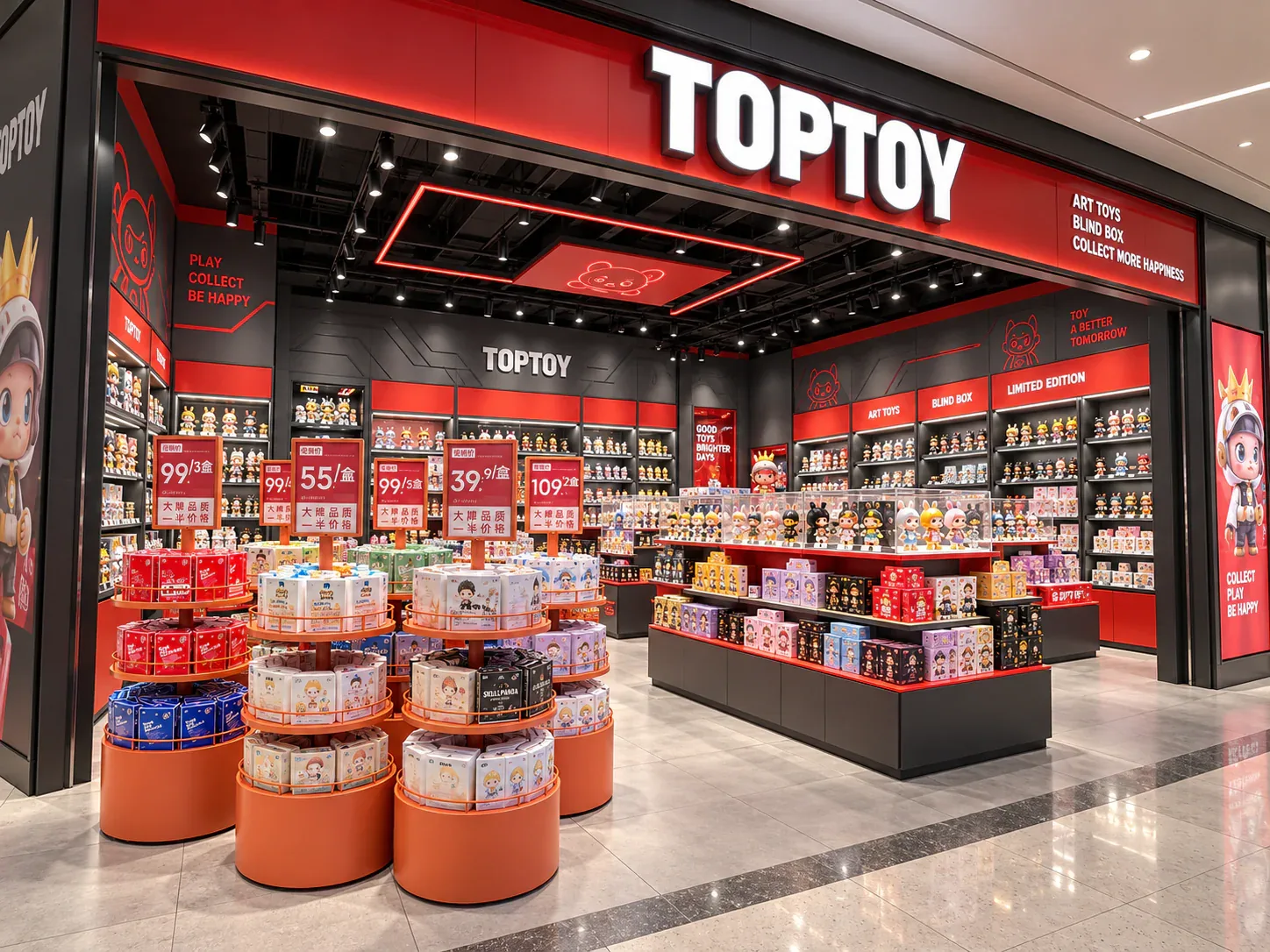
Calculating Blind Box Shelf Capacity from Real Packaging Sizes
Blind-box shelf capacity should be calculated from the usable shelf space and the packages that will actually occupy it. Outside cabinet dimensions, catalogue photographs and a general label such as “small box” are not enough.
Read next →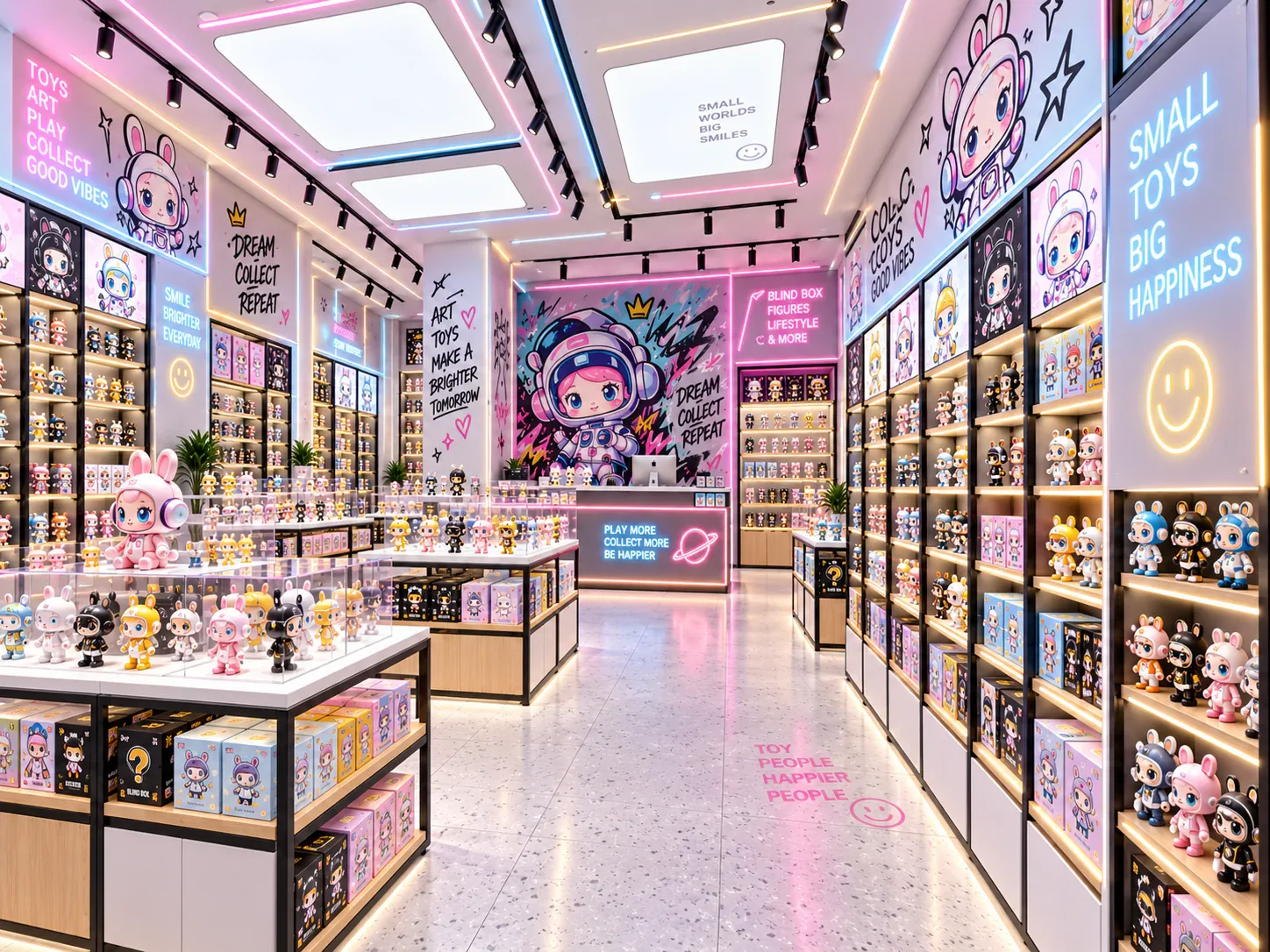
Displaying Complete Blind Box Series Without Confusing Buyers
A display showing every design in a blind-box series should help customers understand the range without suggesting that every sealed box contains a chosen character. The presentation needs to distinguish the series overview, opened samples and the stock available for purchase.
Read next →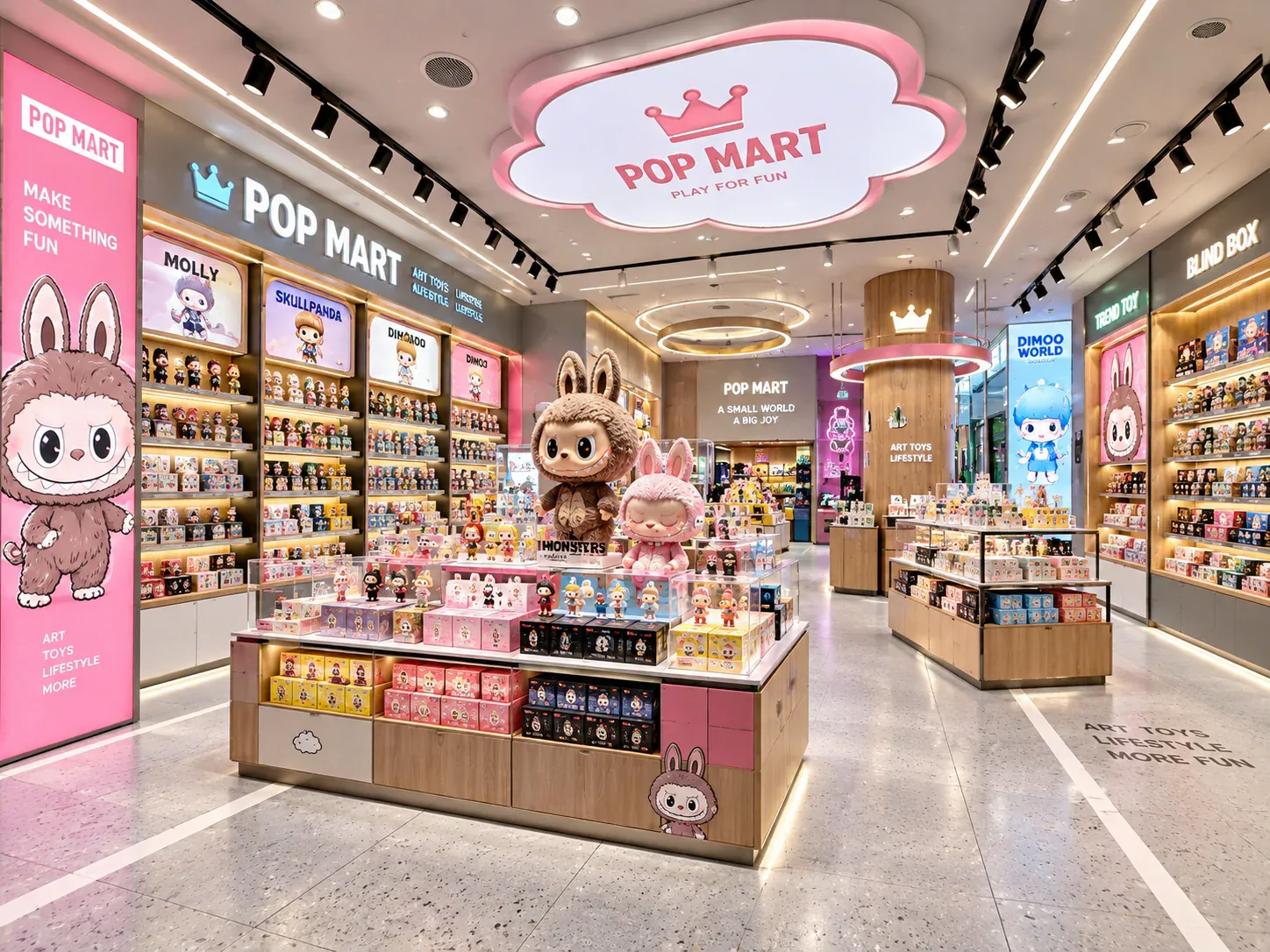
Planning Shelf Pitch for Blind Box Packaging Changes
Shelf pitch should be planned around the range of packages the store expects to display, not only the box used for the first rendering. A later release may be taller or require a different presentation, and a cabinet that appears flexible may still have limits imposed by its adjustment positions, supports or other components.
Read next →Get a project-specific recommendation.
Send your store plan, product sizes, fixture quantities, destination and opening target. BENSON will identify the product fit, engineering inputs and quotation basis.
Start Your Display Project