Designing Blind Box Price Labels for Fast Series Changes
A blind-box price-label system should keep the product identity, purchase unit and displayed price correctly associated while allowing staff to change series without rebuilding the whole presentation.
- Published
- 2026-09-08
- Updated
- 2026-09-08
- Reading time
- 8 minutes

A blind-box price-label system should keep the product identity, purchase unit and displayed price correctly associated while allowing staff to change series without rebuilding the whole presentation. The challenge is not just printing a small card.
Three decisions to carry into your project.
- 01
Define the unit the label describes
- 02
Choose a small set of essential fields
- 03
Review readability in the actual display
Start with the decision
A blind-box price-label system should keep the product identity, purchase unit and displayed price correctly associated while allowing staff to change series without rebuilding the whole presentation. The challenge is not just printing a small card. The physical holder, information template and update process need to work together.
Create a label-field specification and a changeover sequence linked to the shelf plan. Use the retailer's verified product and pricing information, with the appropriate review of any local requirements. This article explains the design and operating workflow; it does not provide legal advice about price display or set the commercial terms of a product offer.

Define the unit the label describes
Start with the actual purchase format. A price may relate to an individual sealed box, another packaged format or an individually sold opened item under the retailer's offer. The label should identify that relationship clearly instead of relying on the number of samples nearby to explain it.
If several formats are offered in the same area, give each an unambiguous association with its stock. The buyer should review how a visitor interprets the label in the physical display, not only whether the text is correct in a spreadsheet.
Keep product promises separate from visual styling. Claims about set contents, special variations or guarantees must come from the applicable verified information. A label template should not contain default wording that becomes inaccurate when copied to a different series.

Choose a small set of essential fields
Identify the information needed at the shelf. Common working fields can include series identity, product reference, purchase unit and the retailer's verified price information. Additional details should serve a clear customer or staff task rather than being included because space happens to remain.
Separate customer-facing information from internal control fields. A revision or location code can help staff manage updates, but it should not overwhelm the information the shopper needs. Decide which details belong visibly on the label and which remain in the supporting record.
Keep field names consistent in the source data. If one person enters a series name into the product-code field and another uses it for a package description, the resulting labels can become difficult to compare and update. A simple template definition can prevent that drift.
Review readability in the actual display
Print or otherwise produce a representative label at the intended size and place it in the proposed holder. Review it from relevant browsing positions with the actual packages around it. A magnified screen preview cannot show the full relationship to the shelf.
Include the longest expected series names and the different price formats the business actually uses. A template that works for a short name may wrap awkwardly or reduce useful text when a longer release arrives. The design should handle the known range without making every update a manual redesign.
Consider the wider visual environment. Packaging, sample graphics and neighbouring labels can compete with the information. The response may be a clearer hierarchy or a more consistent location, rather than adding more text or making every element equally prominent.
Match the holder to the shelf and update task
Ask the fixture supplier to show the proposed holder and how it relates to the shelf edge, dividers and product access. Its physical position should preserve a clear association with the relevant stock. It should also be compatible with the actual fixture arrangement.
Review how staff insert, remove or update the label using the applicable component instructions. A holder that looks tidy may still be inconvenient during frequent series changes. Test the real update task rather than judging only the finished appearance.
Do not assume a holder can be attached to any shelf without confirmation. The supplier should identify compatibility and the intended installation method. The label-design brief and fixture brief should refer to the same component so later changes do not create a mismatch.
Connect labels to defined shelf positions
Use a shelf or zone reference in the working record so staff know which label belongs where. This is particularly useful when several similar series occupy adjacent positions. The physical arrangement should make the customer-facing association clear, while the record supports accurate maintenance.
If dividers or product groups move, update the label position as part of the same change. An old label left beneath a new stock group can be more misleading than a visibly incomplete display. The process should prevent a partial update from being treated as finished.
Keep reserve or overflow stock from borrowing an unrelated label position. If a temporary arrangement is necessary under the retailer's process, review its information as a real display state. Staff knowledge alone does not make the shelf understandable to a visitor.
Use a label-field and control table
The following table provides a working specification. The exact fields and display requirements should be confirmed for the retailer's actual products and market.
See the decision table below for the working record.
Assign responsibility for the data and for the physical installation if different people handle them. A correctly generated label can still be wrong in context when placed under the wrong stock. Both steps need a clear handover.
Compare individual cards with a coordinated strip
Individual cards can support independent product changes, but staff must maintain consistent positions and associations. The buyer should review how multiple cards look together and how old cards are removed during a changeover.
A coordinated strip can provide a consistent visual arrangement across a shelf, but changing one series may require a broader update depending on the chosen system. It can also become inaccurate if the physical product allocation changes without the strip being revised.
Compare the actual frequency and scope of series changes. A store that changes one position at a time may value a different update process from a store that resets the whole shelf together. The holder and template should support the business's real routine.
Define a complete changeover sequence
Prepare the new label information from the verified source, check it against the intended stock allocation and identify the labels being replaced. The team should know which display positions are changing before removing products or graphics.
Update stock, labels and sample information as a coordinated task. Keep superseded labels out of the active working set so they are not accidentally reinstalled. Use the store's actual document or inventory process to preserve the current version.
Finish with a physical check from the customer's viewpoint. Confirm that each label describes the product immediately associated with it and that the purchase unit is understandable. This final check addresses the installed display, not merely the accuracy of the label file.
Review a partial-series update
Consider a hypothetical toy store replacing one series in the middle of a shelf while retaining the ranges on either side. The new package is wider, so staff move a divider and reduce one neighbouring allocation. The initial plan updates only the new price card.
The label-control table reveals that the location relationship has changed for more than one position. Staff revise the affected allocation record and check the neighbouring labels as well. The sample overview is also reviewed to ensure it still describes the correct stock group.
The owner tests the result with a reviewer unfamiliar with the shelf. The reviewer explains which product and purchase unit each price appears to describe. Any ambiguity is resolved before the changeover is marked complete.
This illustrative example does not prescribe a legal price format or a particular label product. It shows why a small physical change can require a coordinated information update across the affected shelf positions.
Keep the system easy to maintain
Define what happens when source information is missing or inconsistent. A blank price field should not silently become a zero, and an unconfirmed purchase format should not inherit wording from the previous series. Keep the label out of the active set until the responsible person resolves the information. This is a data-quality control for the retailer's own process, not a substitute for the applicable price-display requirements.
When labels are produced in a batch, check a representative range of text lengths and formats as well as the product associations. The review should include the longest series name, any distinct purchase formats and positions affected by the current change. Retain the verified source version with the batch so a later question can be traced to the information that was actually used.
Retain the approved template, holder reference and current field definitions with the fixture information. New staff should be able to produce a consistent label without reconstructing the design from an old printed card.
Review the template when a new product format introduces information it was not designed to handle. Do not shrink text or omit essential meaning simply to preserve the old layout. For blind-box display cabinets, a clear label specification helps the supplier provide a physical system that supports accurate series changes over time.
Compare one controlled basis.
How we apply this decision.
Define what happens when source information is missing or inconsistent. A blank price field should not silently become a zero, and an unconfirmed purchase format should not inherit wording from the previous series. Keep the label out of the active set until the responsible person resolves the information. This is a data-quality control for the retailer's own process, not a substitute for the applicable price-display requirements.
Review BENSON capabilities →What still needs project confirmation.
Use the actual site, merchandise and supplier information to confirm the project-specific arrangement. Illustrative examples do not establish technical suitability.
Prepare the required inputs →Avoid these shortcuts.
- Treating a reference image as an approved production specification.
- Comparing suppliers without identical dimensions, quantities and delivery scope.
- Separating material, lighting or hardware decisions from the drawing revision.
- Leaving packing, local installation and site interfaces undefined.
Before the next approval.
- Define the unit the label describes
- Choose a small set of essential fields
- Review readability in the actual display
- Record each open point, owner, due date and required evidence.
Trace the supporting information.
Content review policyUpdated 2026-09-08. AI-assisted buyer guidance; no independent technical review is claimed.
Move from research to a project decision.
Keep building the specification.

Calculating Blind Box Shelf Capacity from Real Packaging Sizes
Blind-box shelf capacity should be calculated from the usable shelf space and the packages that will actually occupy it. Outside cabinet dimensions, catalogue photographs and a general label such as “small box” are not enough.
Read next →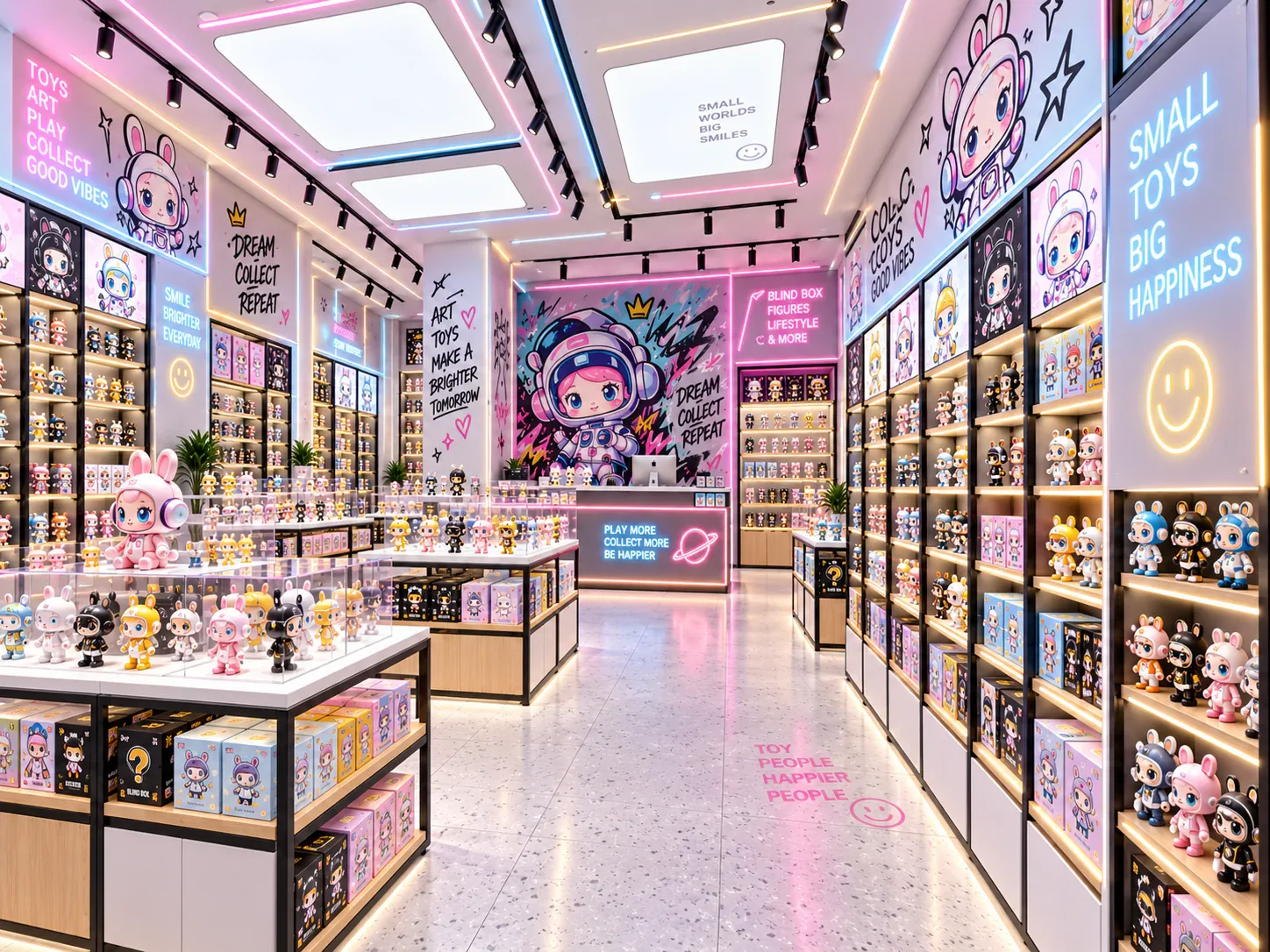
Displaying Complete Blind Box Series Without Confusing Buyers
A display showing every design in a blind-box series should help customers understand the range without suggesting that every sealed box contains a chosen character. The presentation needs to distinguish the series overview, opened samples and the stock available for purchase.
Read next →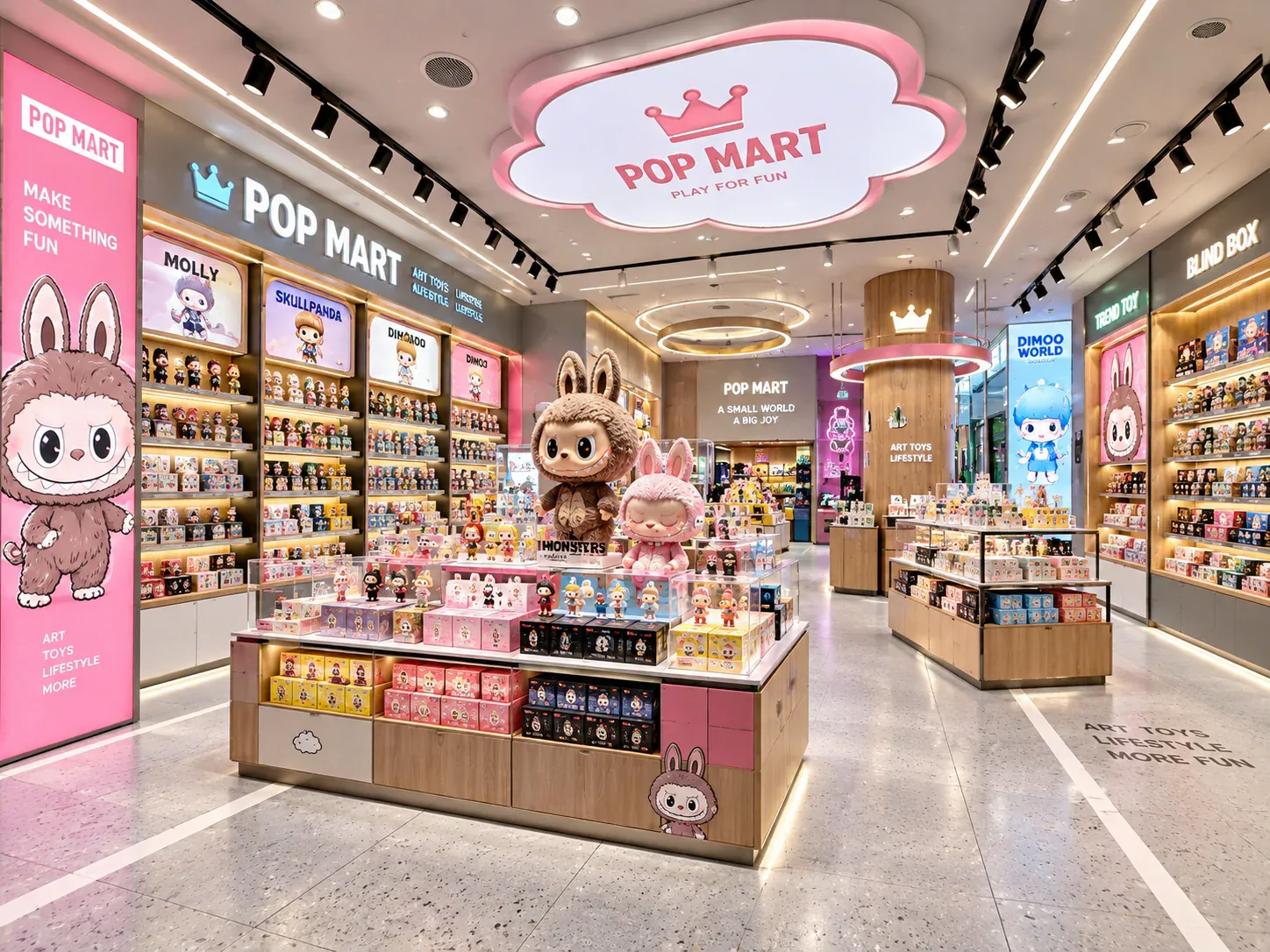
Planning Shelf Pitch for Blind Box Packaging Changes
Shelf pitch should be planned around the range of packages the store expects to display, not only the box used for the first rendering. A later release may be taller or require a different presentation, and a cabinet that appears flexible may still have limits imposed by its adjustment positions, supports or other components.
Read next →Get a project-specific recommendation.
Send your store plan, product sizes, fixture quantities, destination and opening target. BENSON will identify the product fit, engineering inputs and quotation basis.
Start Your Display Project