Choose a fixture direction
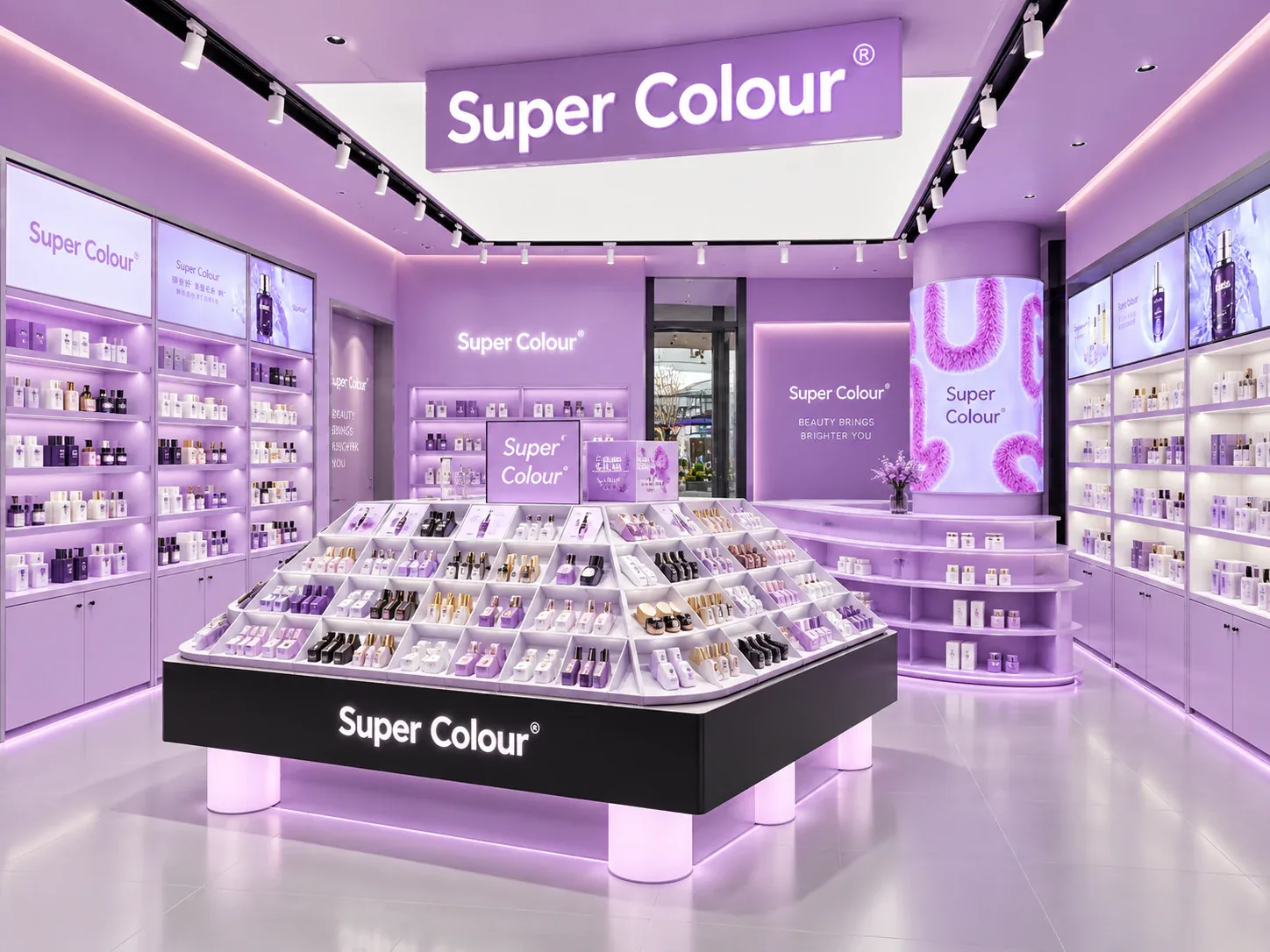
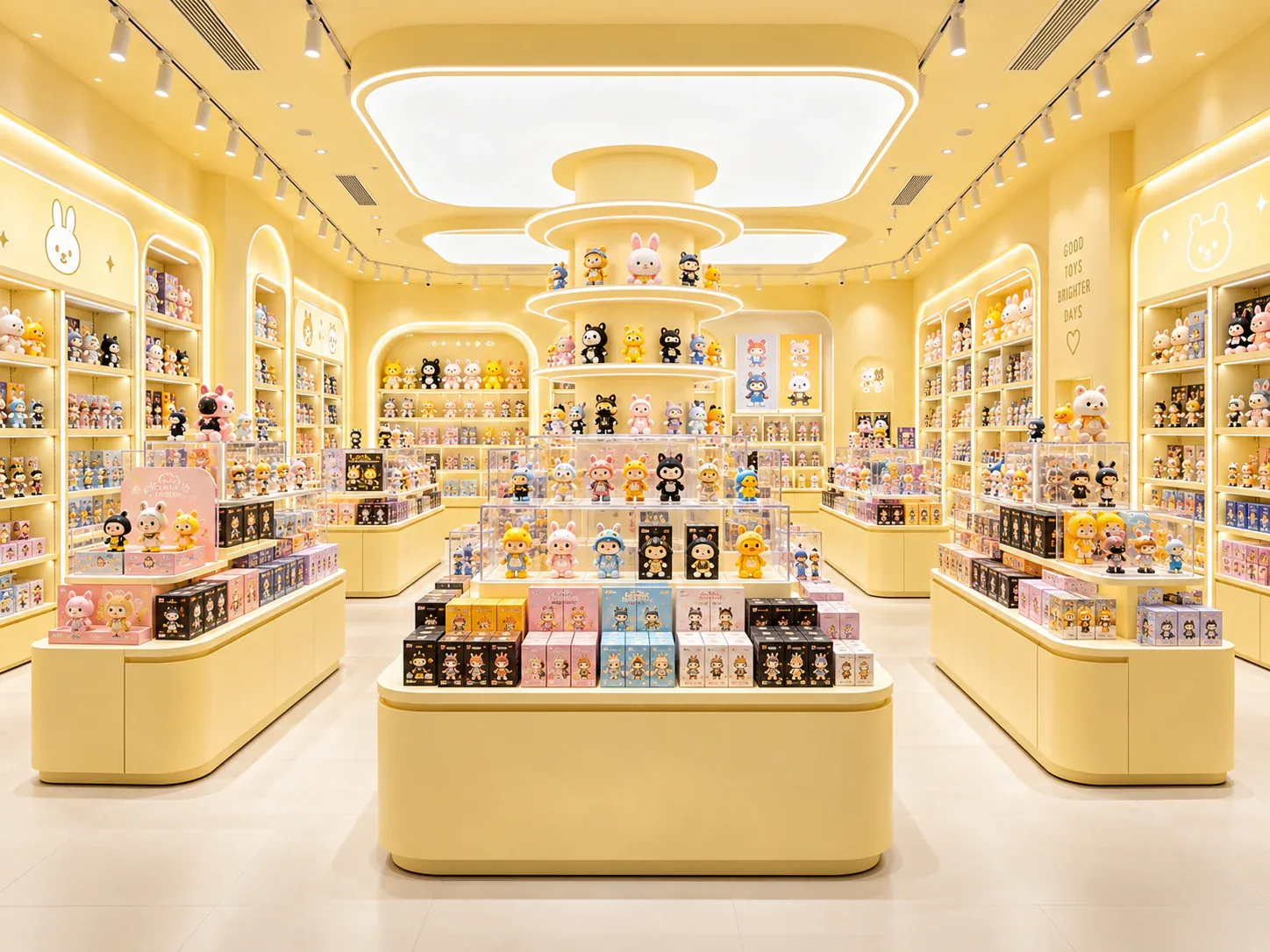
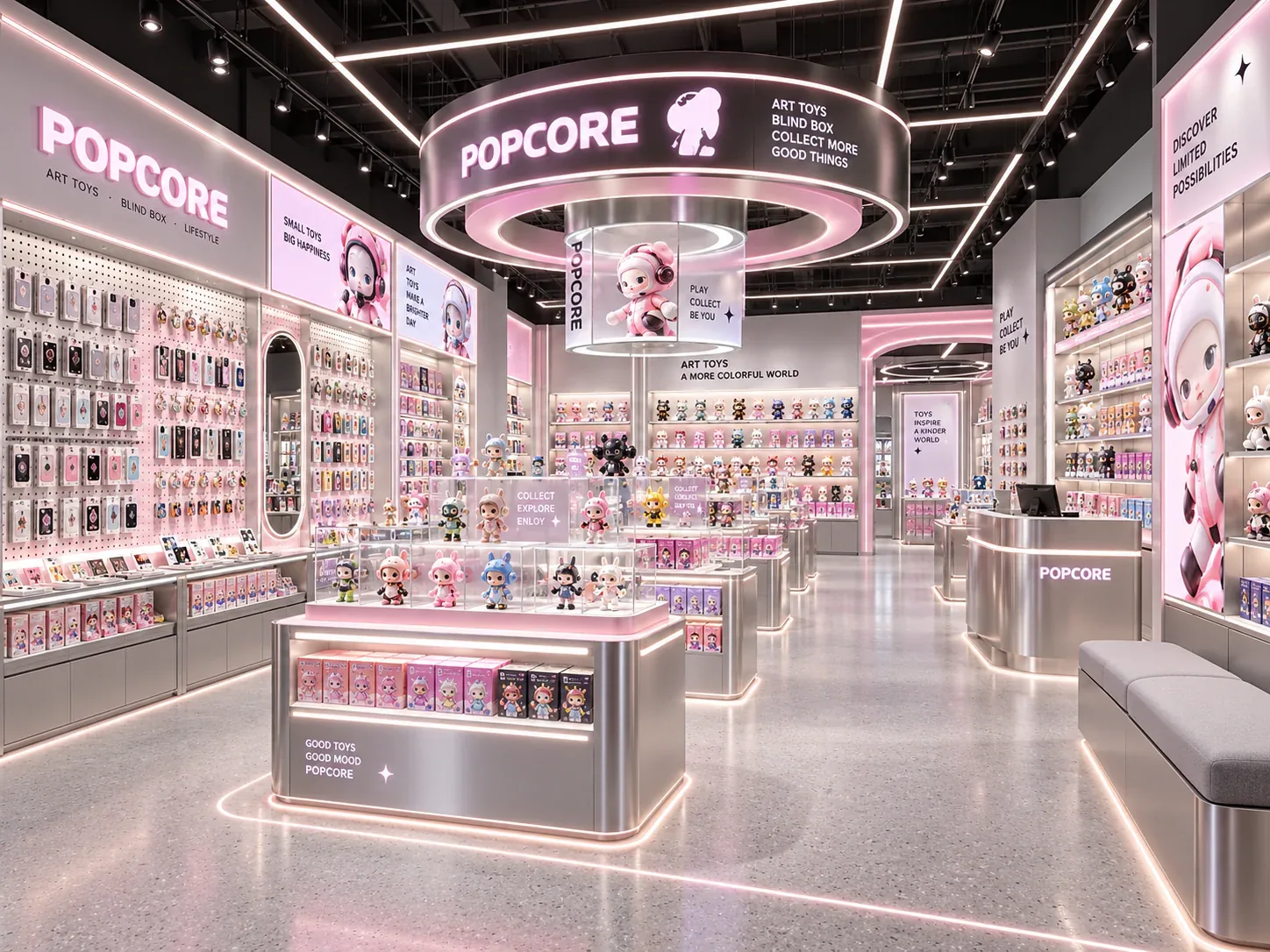
Compare this visual reference with toy store checkout counters. The product guide explains the fixture system; the image set helps communicate your preferred presentation.
View Checkout Counter →
Warm wood shelving and black frames sit below illustrated space-themed panels. Rectangular islands and enclosed-looking display fronts create a more gallery-like presentation than a brightly colored toy aisle.
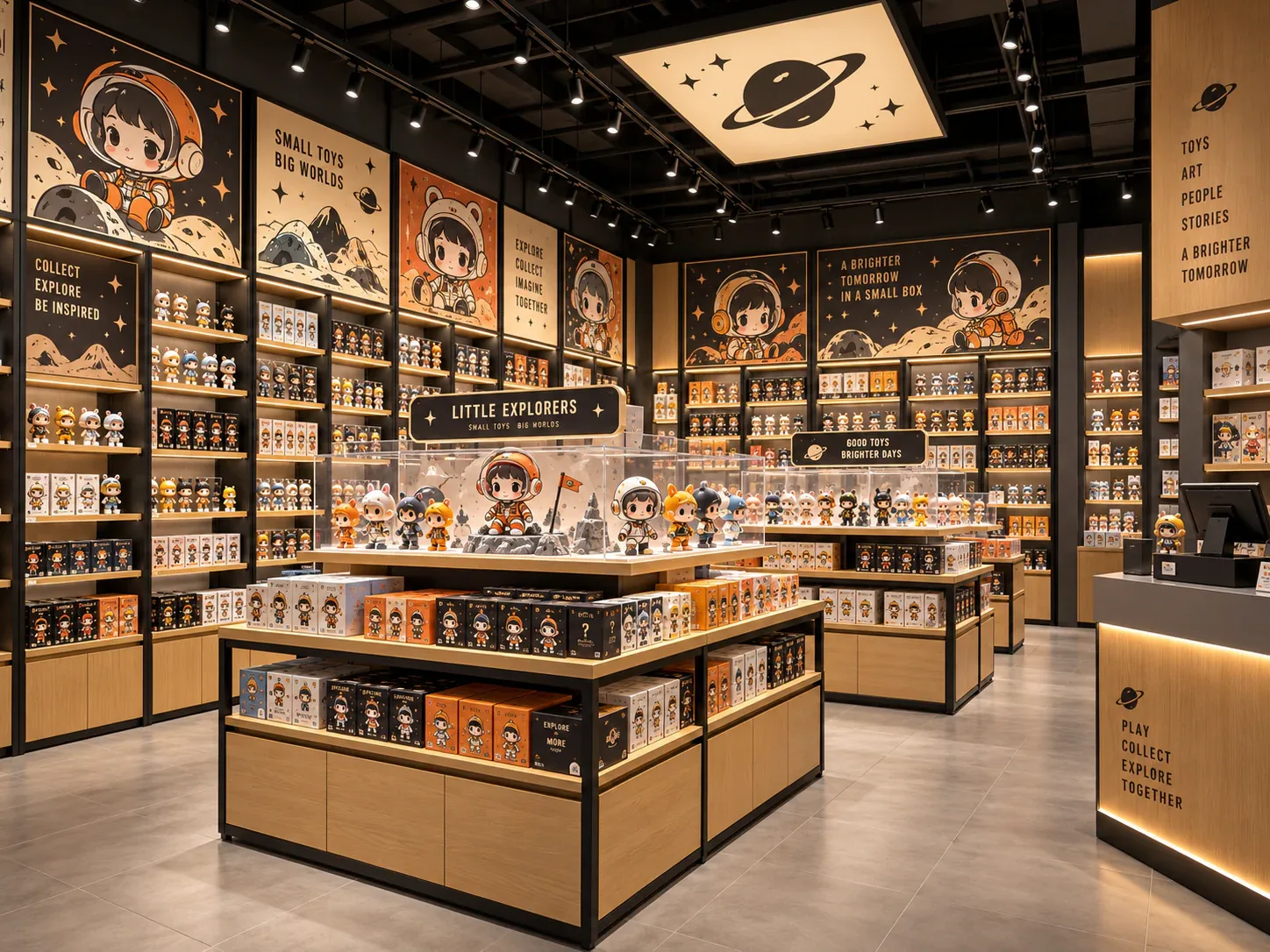
Make the merchandise hierarchy clear between premium figures and boxed inventory. Confirm which units need genuine enclosures and locks rather than relying on their visual appearance in the reference.
Use the images to identify the elements you want to keep, then share the changes needed for your own store. Benson Toy Display can review the preferred appearance alongside your floor plan and merchandise list. Renderings and reference photos illustrate a visual direction; they do not establish a completed Benson project or verified dimensions, materials or performance.
Select any image to request a similar display. Your inquiry will include this page as its source, so our team can identify the reference you are discussing.
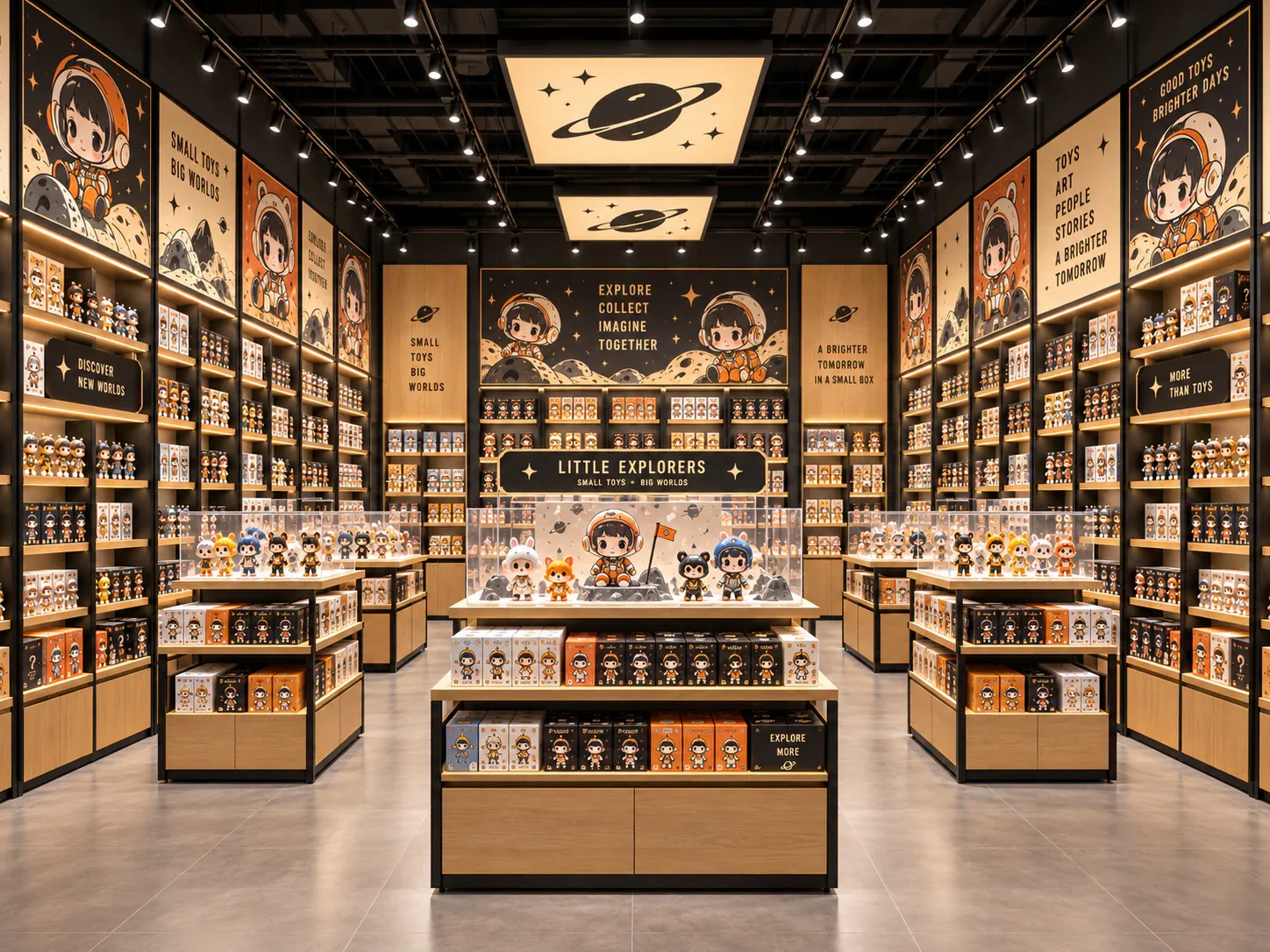
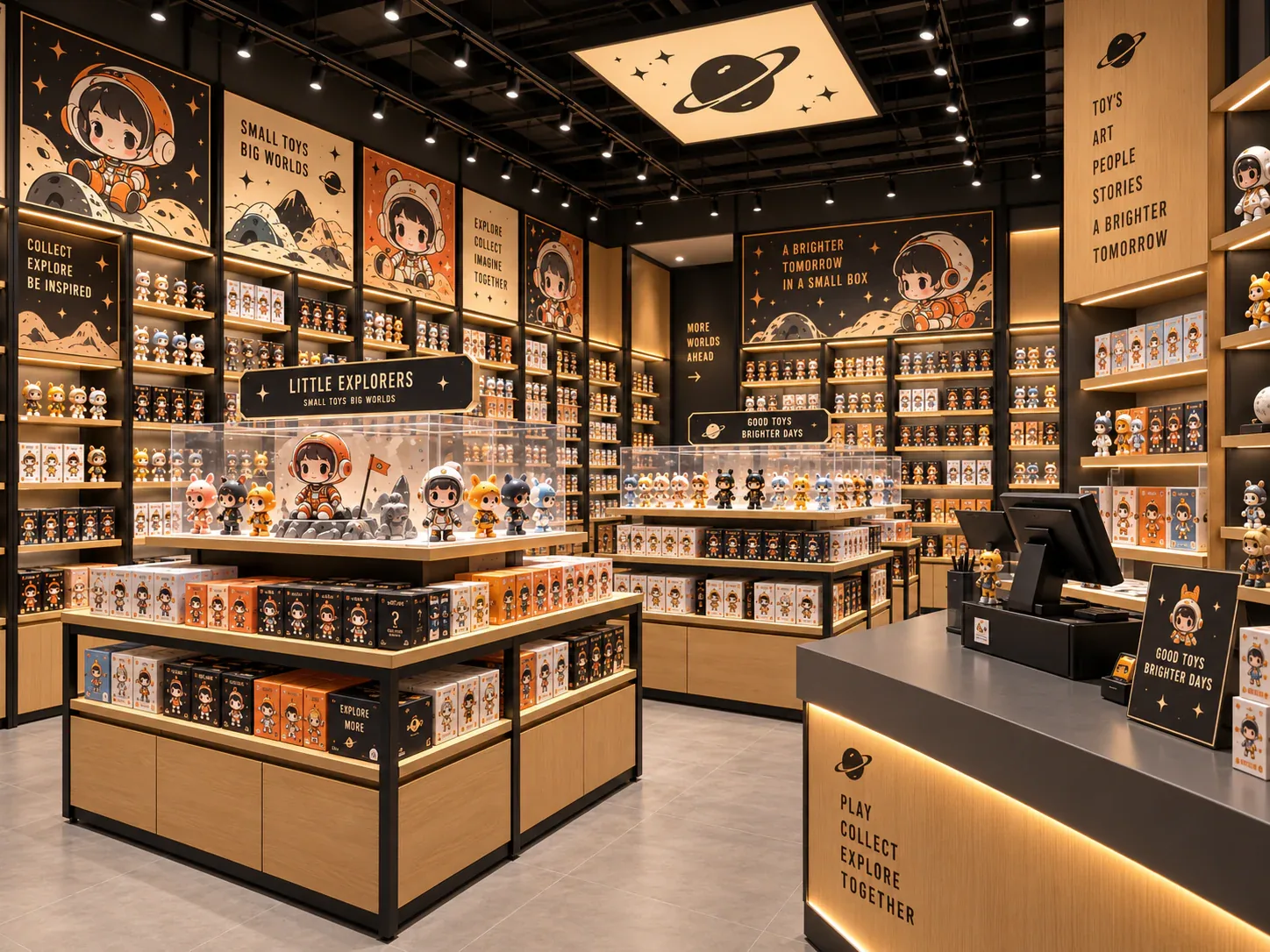
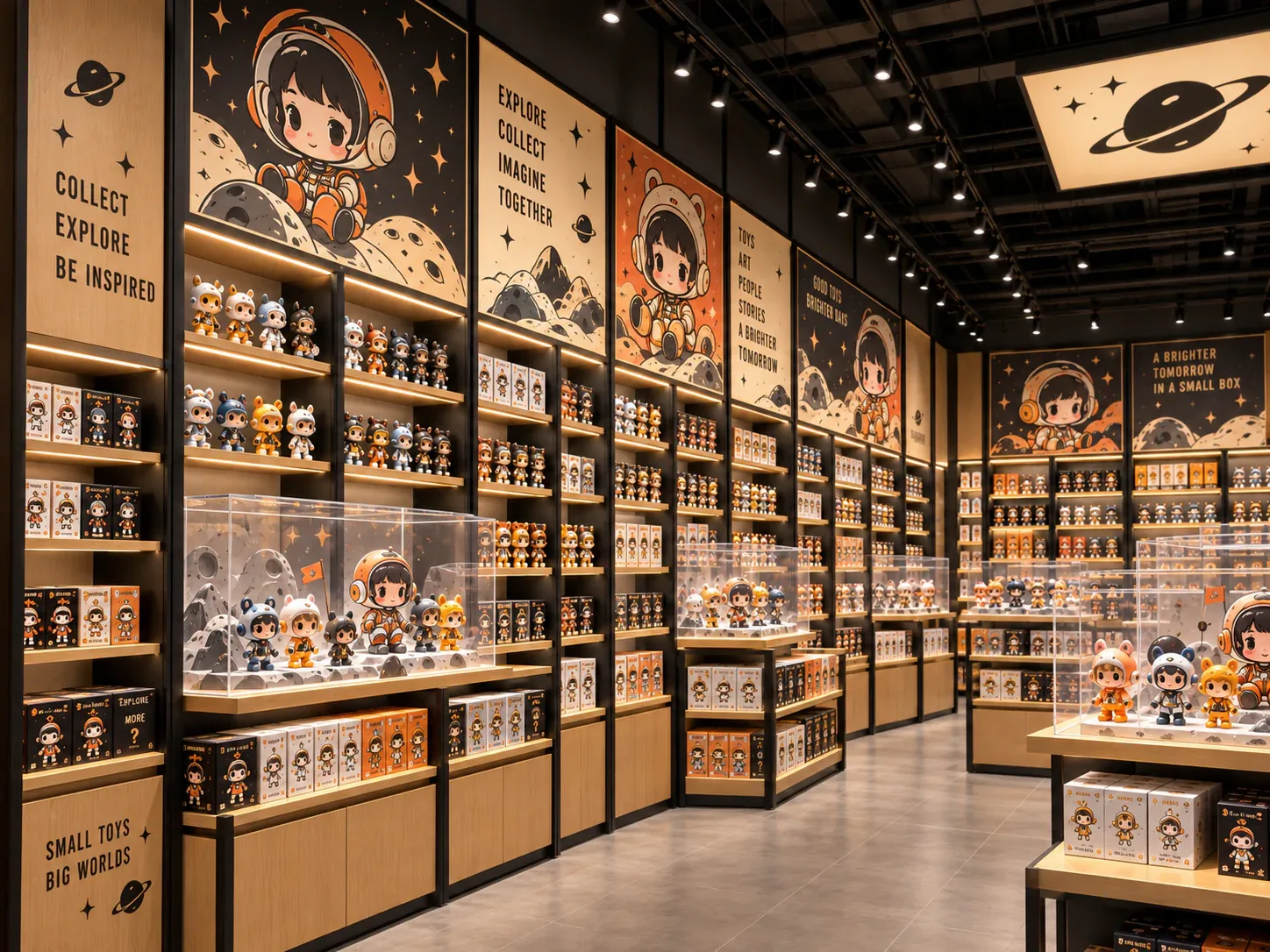
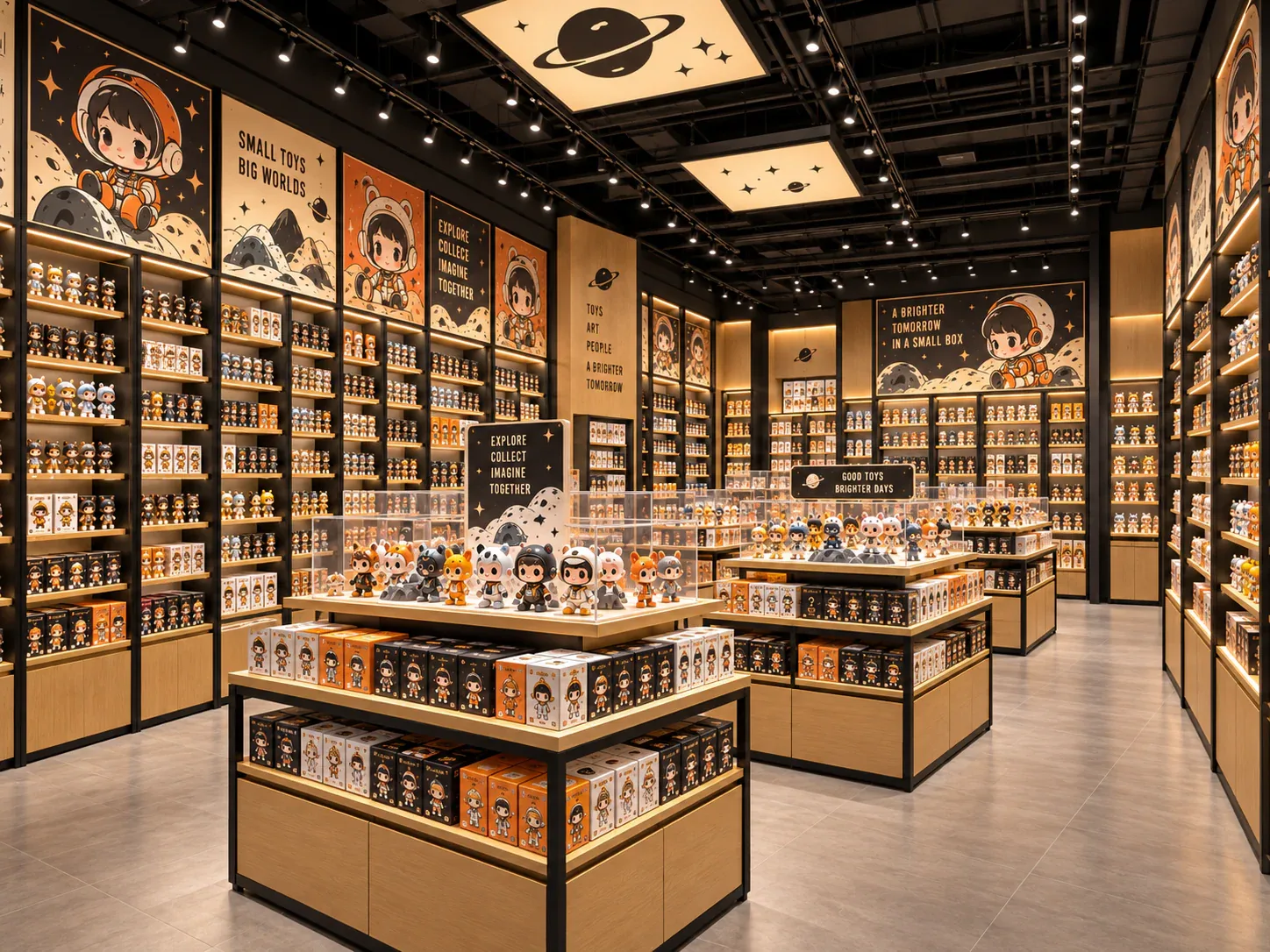
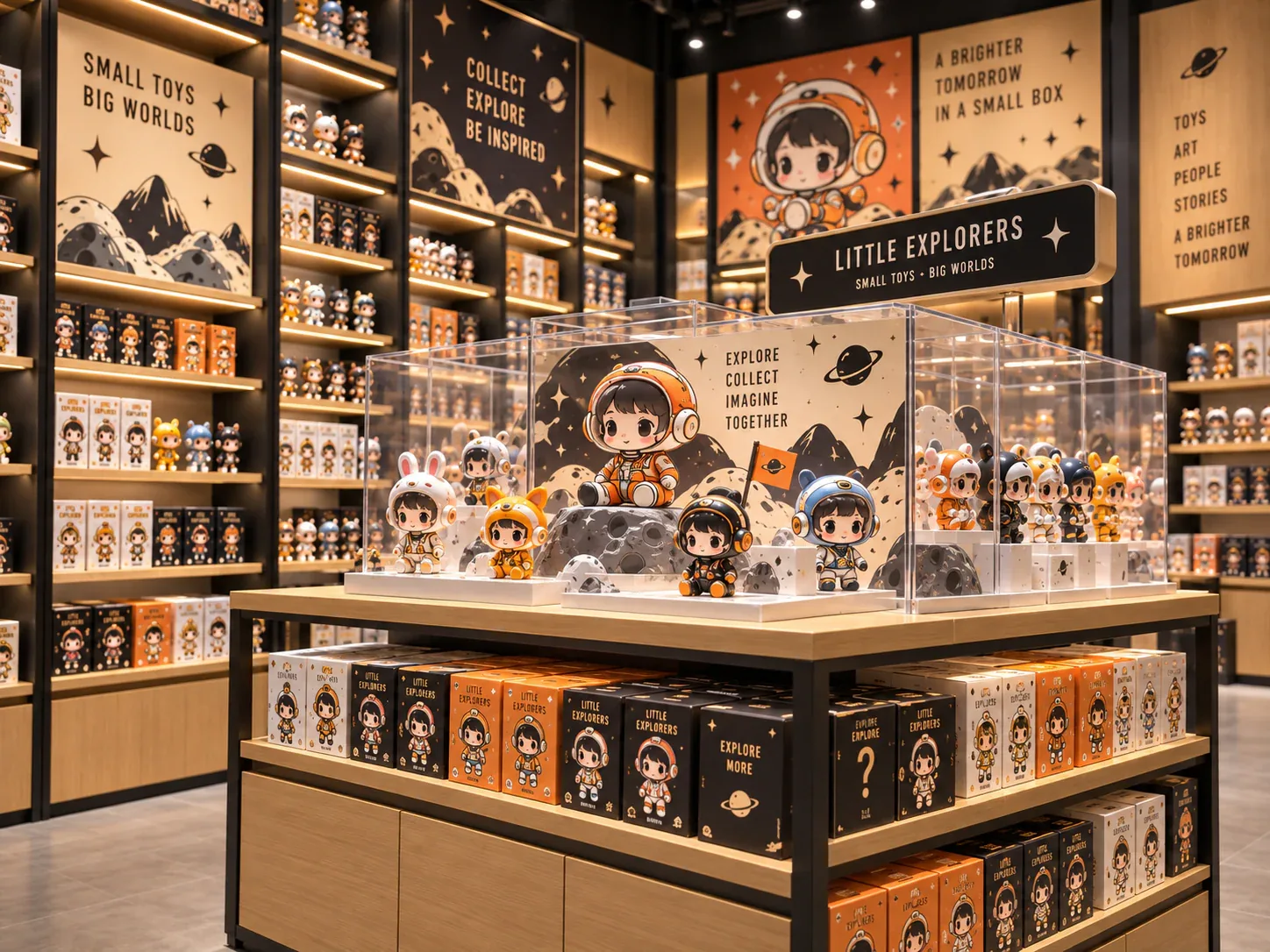
Compare this visual reference with toy store checkout counters. The product guide explains the fixture system; the image set helps communicate your preferred presentation.
View Checkout Counter →Specify product sizes, quantities, shelf access and any lighting or secure-display needs. Final dimensions, finishes, structural details and electrical requirements are confirmed in the project drawings and quotation.
Share your floor plan, destination and target opening date, together with the views you prefer. Include required changes to colors, shelving or layout. Pricing, minimum quantities and delivery timing depend on that agreed scope.
Discuss this design →