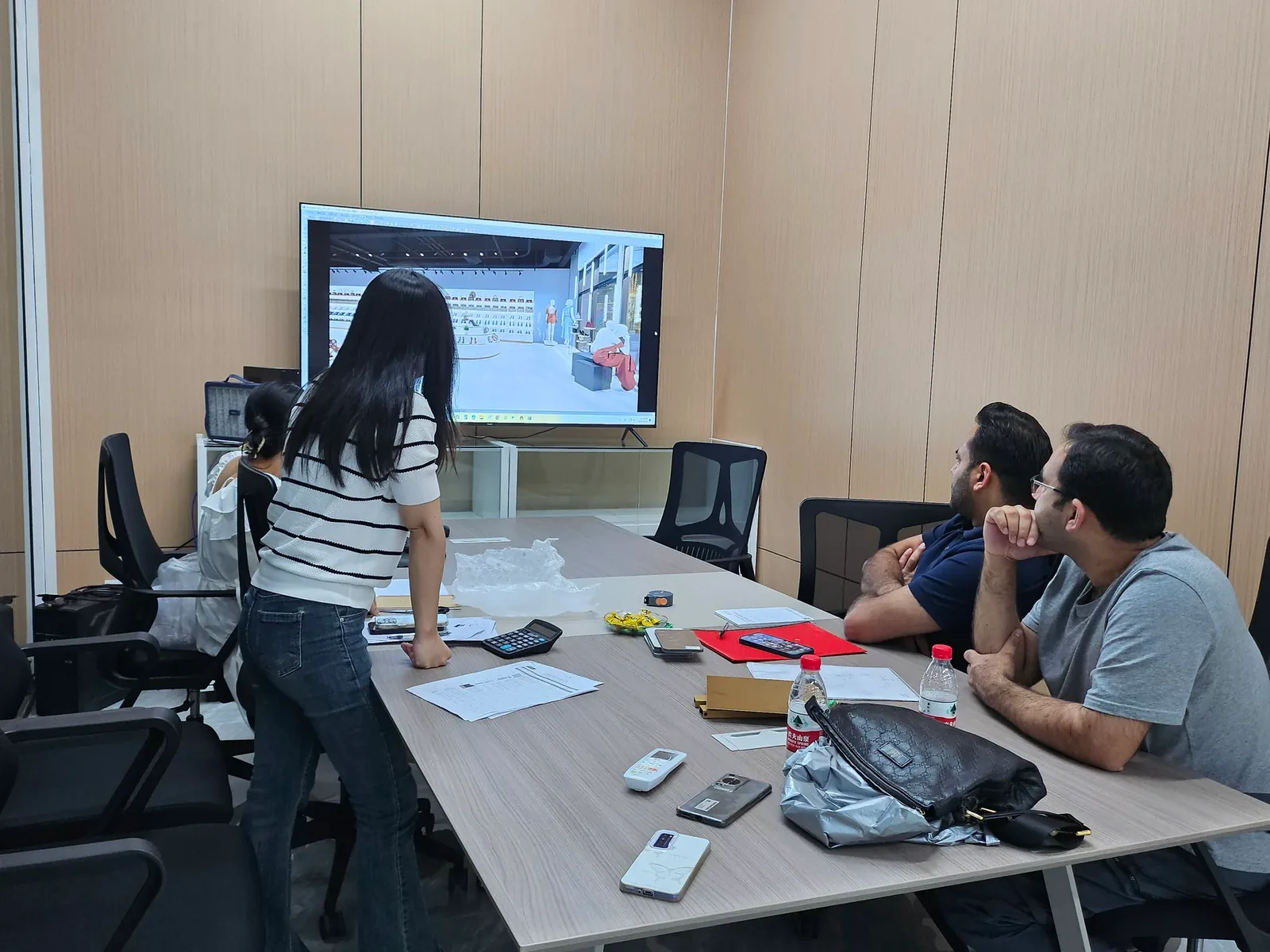
Preparing a Remote Site Survey Package for an Overseas Supplier
An overseas fixture supplier needs a site package that explains the store without relying on the person who visited it being available for every question.
- Published
- 2026-09-08
- Updated
- 2026-09-08
- Reading time
- 8 minutes

An overseas fixture supplier needs a site package that explains the store without relying on the person who visited it being available for every question. The package should connect the plan, dimensions, photographs, relevant building information and unresolved issues through consistent identifiers.
Three decisions to carry into your project.
- 01
Define the recipient's task
- 02
Create an entry document before organising folders
- 03
Make the plan the common reference
Start with the decision
An overseas fixture supplier needs a site package that explains the store without relying on the person who visited it being available for every question. The package should connect the plan, dimensions, photographs, relevant building information and unresolved issues through consistent identifiers. Its value comes from coherent relationships, not from the number of files sent.
Prepare a concise entry document that tells the recipient what is included, which site state it describes and what decisions the information can support. Keep measured facts separate from assumptions and proposed work. A remote package can support design coordination, but it does not replace professional surveys, local approvals or the specialist assessments required for the actual installation.
Define the recipient's task
Ask the supplier what it needs to do with the package. Early layout development, detailed fixture coordination and final production review require different levels of information. A supplier preparing an initial concept may not need every installation detail immediately, but it does need to understand which dimensions are preliminary.
Record the intended stage on the entry document. This prevents a feasibility package from being forwarded later as though it were a final verified survey. If the package is updated for a later stage, issue a clear revision and describe which information has become more dependable.
Identify the proposed fixture scope. The supplier should know which areas and products are part of the enquiry, and which are shown only for context. A complete store plan without a scope note can lead to assumptions about design or supply work that the buyer did not intend to request.

Create an entry document before organising folders
The entry document should name the project or unit, the survey date, the package revision and the principal contact. Include a short description of the current site condition and any planned changes that affect interpretation. Keep it readable enough that the supplier can understand the package before opening technical files.
Add an inventory listing each file or group, its purpose and its status. A drawing marked preliminary should remain visibly preliminary in the index. A photograph folder should identify the visit it belongs to rather than presenting images from several site stages as one undifferentiated collection.
Include a short list of the decisions being requested from the supplier. For example, the buyer may want a layout response and a list of missing information before detailed design. This makes the handover actionable and reduces the risk that the supplier assumes it is being asked to release production immediately.
Make the plan the common reference
Use one clearly identified plan to locate walls, openings, columns and proposed fixture zones. Other documents should refer to its identifiers where practical. The plan does not have to contain every note, but it should allow the recipient to find the area described in a schedule or photograph.
State the units, orientation and source of the plan. If it is a sketch prepared from observations rather than a professional survey drawing, say so. The graphic appearance should not imply a level of verification that has not occurred.
Keep proposed fixtures distinguishable from existing conditions. An overlay can help the supplier understand the intention, but the underlying site information should remain accessible separately. This allows layout changes to be reviewed without confusing them with changes to the measured unit.
Attach a dimension register with qualifications
The dimension register should identify each value's location, endpoints, units and source. Link it to photographs where they help explain the reference. If a value was calculated, estimated or copied from a supplied drawing, record that status rather than presenting every cell as a direct measurement.
Group unresolved dimensions in a visible list. The supplier can then identify which ones affect its proposed configuration. A blank field hidden in a large drawing is easier to overlook than a specific open question with an owner and a planned response.
Avoid mixing measurements from different site states without explanation. If finishes changed between visits, the register should show which values describe the present condition and which describe an earlier stage. Where the final interface remains unverified, keep that limitation attached to the affected dimension.
Organise photographs and video by location
Provide context images before detail views and link them through a photo index. Use wall and opening identifiers that match the plan. The recipient should not have to infer the room sequence from camera filenames or the order in which attachments appear in a message.
A short walkthrough video can help communicate relationships, but it should supplement the still images and measurements. State the route and date, and avoid treating spoken estimates as confirmed dimensions. The supplier needs stable references it can return to while reviewing a drawing.
Keep originals available where detail matters. Compressed previews can be convenient for discussion, but the receiving team should know where to find the clearer source image if a label or boundary is difficult to inspect. Check that the chosen sharing arrangement actually permits the intended recipient to access those files.
Include relevant site and building interfaces
Add the current information about obstacles, floor conditions, overhead features and visible connection locations that affects the fixture scope. Keep specialist findings distinct from visual observations. The supplier needs to understand what is confirmed and which local contributor will provide the remaining assessment.
Include the applicable landlord requirements through a concise index linked to the original documents. Do not send an unexplained tenant-guide folder and assume the supplier knows which sections affect its work. Identify the questions and deliverables that need coordination, while preserving the original context.
Add delivery access information when package configuration may affect the design. The store's internal dimensions do not tell the supplier whether an assembled cabinet can reach it. State the known route constraints and the participant responsible for confirming the handling arrangement.
Use a package index with ownership
The following table describes a practical package structure. The working version should use actual filenames and revisions rather than relying on generic folder labels alone.
See the decision table below for the working record.
Add the package revision and date to the index. If the recipient downloads the files and reviews them later, the local copy should still be identifiable without referring back to the original message. This is especially useful when several suppliers receive the same enquiry basis.
Compare one large transfer with controlled updates
A complete initial package gives the supplier a coherent starting point. However, later changes need a controlled method so the supplier can identify what has been superseded. Repeatedly sending the entire folder without a change note can make a minor revision difficult to find.
For an update, identify the changed files and explain the effect on the earlier package. Keep an accessible current index so the recipient can reconstruct the active set. If a change affects only one measurement, say which value changed and why rather than expecting the supplier to compare every page manually.
Avoid distributing isolated updates through several unrelated channels without consolidating them. A dimension in a chat message, a new photograph in an email and a revised plan elsewhere can create three competing sources. The project coordinator should incorporate accepted information into the package's current record.
Work through an incomplete overseas handover
Consider a hypothetical retailer sending a site survey to an overseas fixture supplier. The initial transfer contains a floor plan, a walkthrough video and many photographs, but no index. The plan predates recent finishing work, and several images show both the earlier and current site states.
The supplier asks which wall dimensions remain valid and where the planned display run begins. The buyer creates an entry document explaining the site stage, assigns consistent location codes and separates the photographs by visit. The dimension register identifies values still requiring confirmation after the finishing work.
The supplier can now prepare a preliminary layout and return a targeted question list. The buyer assigns those questions to the local participants who can answer them. When the responses arrive, the coordinator issues a new package revision and explains which fixture decisions can move forward.
This example illustrates a remote coordination process, not a claim that a digital package eliminates site uncertainty. Its improvement comes from making the available evidence and missing information understandable to someone who was not present during the survey.
Check the recipient's view before relying on delivery
Open the package through the same sharing arrangement intended for the supplier, where practical, and confirm that the files are readable and correctly named. Check that external links do not point to a private local path the recipient cannot access. A successful upload does not establish that the other party can use the material.
Ask the supplier to acknowledge the package revision and identify any immediate gaps. This acknowledgement should describe the received information, not imply technical acceptance of every site condition. The next design or production decision still needs the appropriate review.
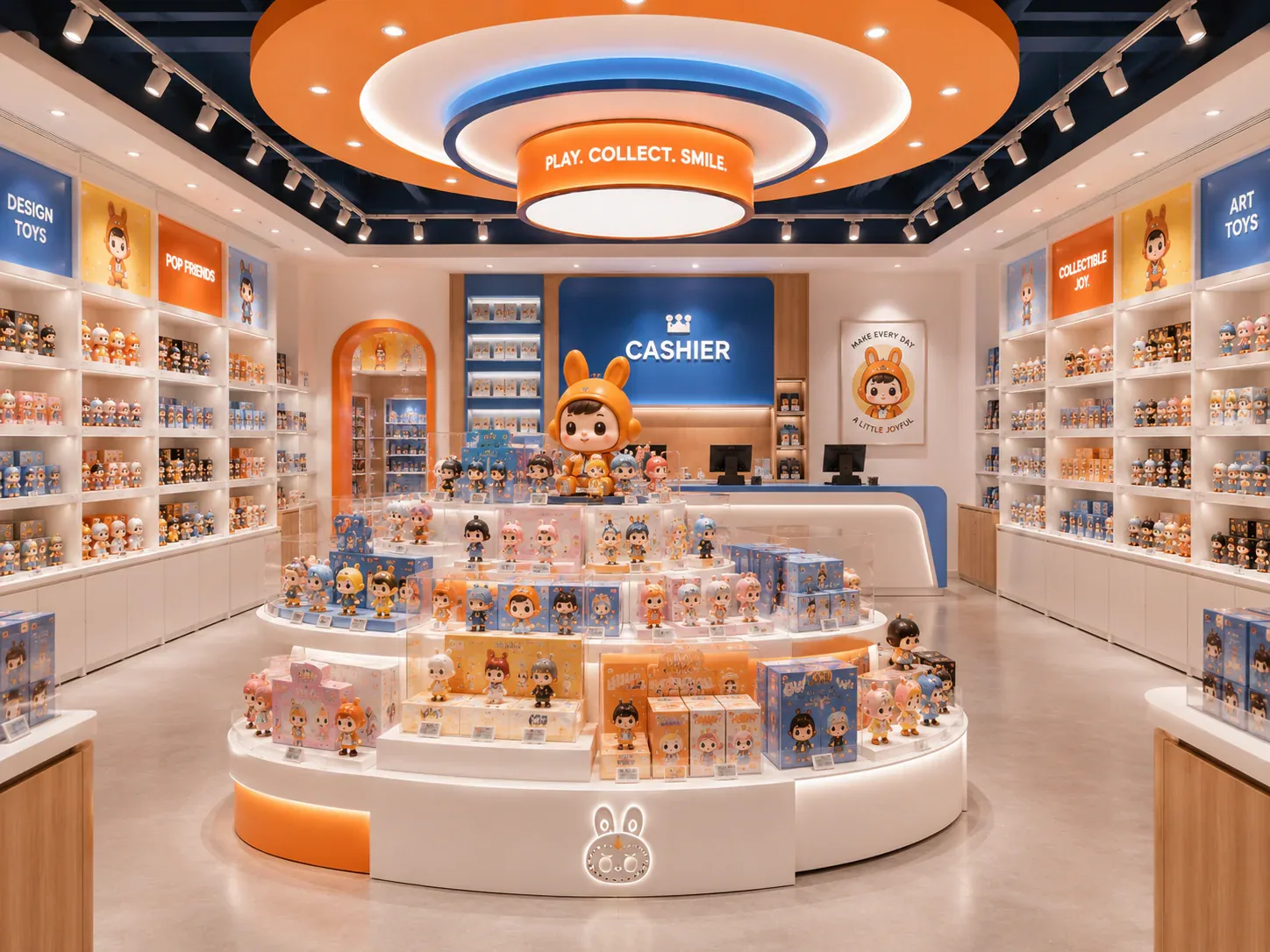
For a custom toy store fixture enquiry, a coordinated remote survey package gives the supplier a clear basis for responding. Keep the current index, source files and question history together so the project can progress without losing the relationship between the site evidence and the fixture design.
Compare one controlled basis.
How we apply this decision.
Open the package through the same sharing arrangement intended for the supplier, where practical, and confirm that the files are readable and correctly named. Check that external links do not point to a private local path the recipient cannot access. A successful upload does not establish that the other party can use the material.
Review BENSON capabilities →What still needs project confirmation.
Use the actual site, merchandise and supplier information to confirm the project-specific arrangement. Illustrative examples do not establish technical suitability.
Prepare the required inputs →Avoid these shortcuts.
- Treating a reference image as an approved production specification.
- Comparing suppliers without identical dimensions, quantities and delivery scope.
- Separating material, lighting or hardware decisions from the drawing revision.
- Leaving packing, local installation and site interfaces undefined.
Before the next approval.
- Define the recipient's task
- Create an entry document before organising folders
- Make the plan the common reference
- Record each open point, owner, due date and required evidence.
Trace the supporting information.
Content review policyUpdated 2026-09-08. AI-assisted buyer guidance; no independent technical review is claimed.
Move from research to a project decision.
Keep building the specification.

Defining the Merchandise Mix Before Designing a Toy Store
A toy store fixture plan should begin with the merchandise the store will actually sell, demonstrate and keep in reserve. A list of product categories is useful, but it does not tell a designer how much space a box occupies, whether a figure needs staff assistance, or how often a shelf will be replenished.
Read next →
Writing a Store Design Brief for a Designer Toy Brand
A store design brief should explain what the business needs its space to do, which conditions the design must respect, and who will decide whether a proposal meets those needs. For a designer toy brand, that means more than supplying a logo and a collection of attractive shop photographs.
Read next →
Deciding Which Fixtures to Customize and Which to Standardize
The best fixture programme is rarely the one in which every component is custom, or the one assembled entirely from standard products. A useful choice starts with the job each part must perform.
Read next →Get a project-specific recommendation.
Send your store plan, product sizes, fixture quantities, destination and opening target. BENSON will identify the product fit, engineering inputs and quotation basis.
Start Your Display Project